Audio files have a way of becoming a bottleneck at the worst possible moment. A podcast episode is ready, but it is in the wrong format. A client sends a voice note that will not play on your device. A webinar recording is too large to upload, too awkward to share, or incompatible with the editing tool you actually use. That is where a Mp3 converter becomes one of those simple tools that quietly saves time, money, and frustration.
For small business owners, freelancers, developers, and productivity-focused users, the appeal is obvious. You want an audio file that works everywhere, opens quickly, and is easy to store, send, publish, or archive. An MP3 converter helps you take audio from one format and turn it into MP3, the most widely recognized and supported format in everyday use. The trick is not just converting files, but doing it in a way that preserves quality, protects privacy, and fits smoothly into your workflow.
What is an MP3 converter?
An MP3 converter is a tool that changes audio files from one format into MP3. In practical terms, it takes files such as WAV, AAC, M4A, FLAC, OGG, or even audio extracted from video, and transforms them into a version that is easier to play on nearly any phone, laptop, browser, media app, or car stereo. It is a format translator, but one with real implications for file size, quality, compatibility, and convenience.
The reason MP3 remains so popular is simple. It balances compression and usability exceptionally well. Uncompressed formats like WAV can sound excellent, but they are often large and cumbersome. Other compressed formats may offer technical advantages, but MP3 still wins on universal support. If your goal is to make audio accessible to clients, team members, listeners, or customers with minimal friction, MP3 is often the safest choice.
For business and productivity use, this matters more than many people realize. A converted audio file can be easier to attach to emails, upload to a CMS, embed on a website, distribute in an online course, or share in a project management system. Instead of forcing the recipient to troubleshoot playback issues, you provide a file they can use immediately. That is the real value of a good MP3 converter. It removes technical obstacles from communication.
Why people use MP3 so often
MP3 became the default for a reason. It is lightweight, familiar, and broadly accepted across devices and software. If you are publishing voiceovers, training clips, interviews, or customer-facing media, there is a good chance MP3 will work without extra instructions or compatibility checks.
There is also a practical storage benefit. Converting large raw recordings into MP3 can significantly reduce file size, which makes cloud storage less expensive and transfer times shorter. For freelancers and small teams juggling multiple projects, that can add up quickly. A smarter file format is not just a technical preference, it is an operational advantage.
Common file types an MP3 converter handles
Most MP3 converters are built to accept a wide range of input formats. A typical tool can work with audio formats like WAV, FLAC, AAC, OGG, and M4A. Some also extract audio from video files such as MP4 or MOV, which is useful when you need the soundtrack, interview audio, or meeting recording without the full video attached.
The exact support varies by tool, of course. Some online converters focus on speed and simplicity, while desktop tools often support more advanced settings. That difference matters if you need batch conversion, bitrate control, metadata editing, or privacy protections for sensitive files.
Key aspects of MP3 converters
Choosing an MP3 converter is not just about whether it works. Most tools can convert a file. What separates a useful converter from a frustrating one is how well it handles quality, speed, control, and security. Those factors affect the final listening experience and the amount of time you spend fixing avoidable issues.
Audio quality and bitrate
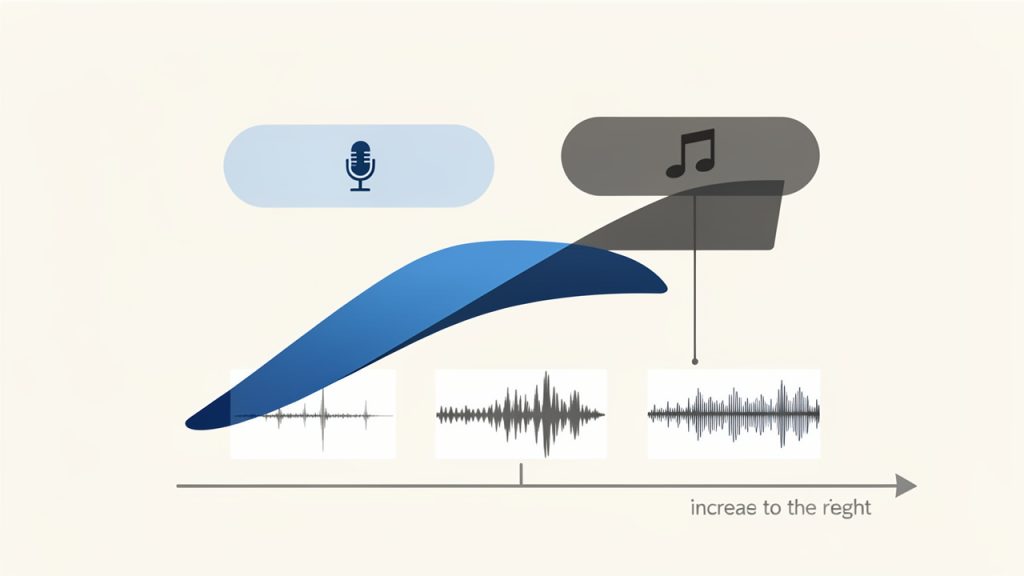
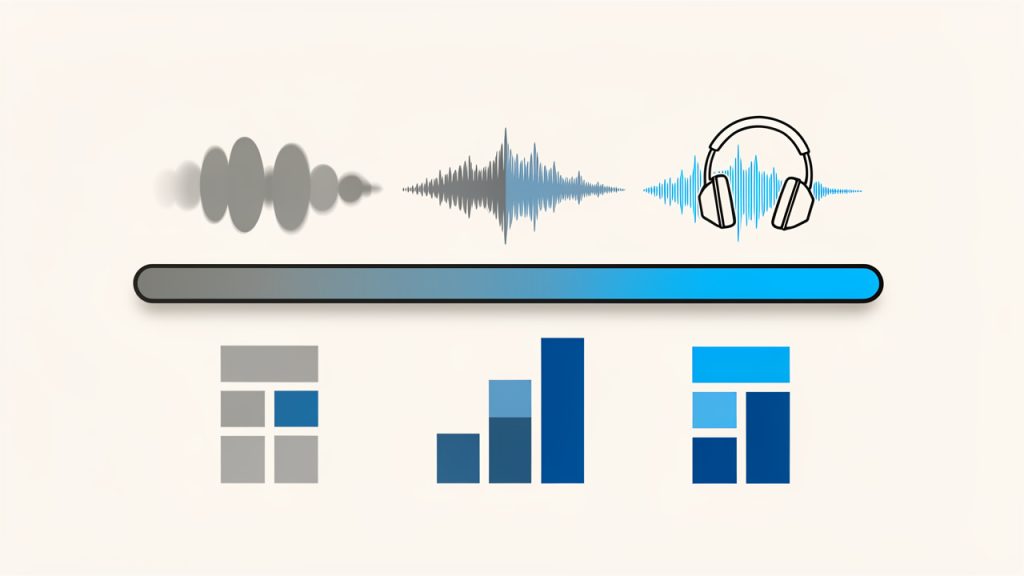
The most important concept to understand is bitrate. Bitrate determines how much audio data is stored per second in the MP3 file. In simple terms, higher bitrates usually mean better sound quality, but also larger file sizes. Lower bitrates save space, but can make audio sound thin, muffled, or compressed.
For spoken audio such as interviews, voice notes, or training content, a moderate bitrate is often enough. For music, sound design, or premium branded media, higher bitrate settings are usually worth it. The right choice depends on how the file will be used. If the audio is part of a public-facing product, quality should carry more weight. If it is an internal memo or a rough archive, a smaller file may be more practical.
File size and storage efficiency
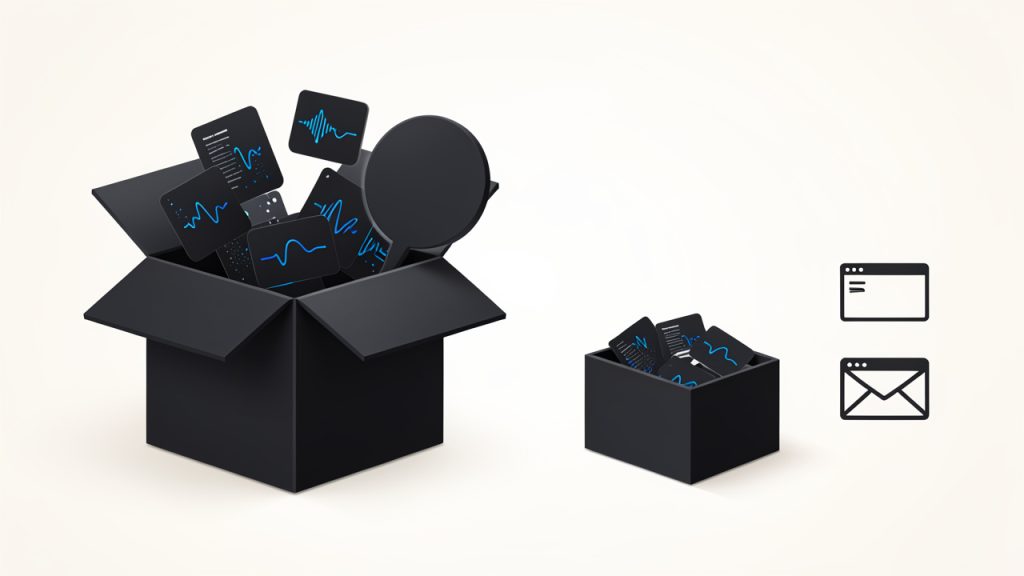
One of the biggest reasons to use an MP3 converter is compression. Large files create friction. They upload slowly, consume storage, and can fail in low-bandwidth environments. MP3 reduces that burden while keeping the audio usable for most everyday purposes.
This is especially helpful for businesses that create recurring content. If you record frequent client calls, podcast episodes, tutorials, or training materials, keeping everything in uncompressed formats can become expensive and disorganized. Converting finalized content into MP3 gives you a more manageable media library without making your systems feel overloaded.
Compatibility across devices and platforms
Compatibility is where MP3 continues to shine. An MP3 file will usually play with minimal resistance across operating systems, browsers, smartphones, media players, and communication platforms. That broad compatibility is often more valuable than small technical differences in format performance.
Think of it like sending a PDF instead of a niche document type. You are choosing the format most likely to open successfully for the other person. When you use an MP3 converter, you are often making the file more usable for everyone else, not just for yourself. That matters when your audience includes clients, customers, team members, or students using different devices and apps.
Speed and ease of use
For many users, especially those who rely on free online tools, the best MP3 converter is the one that gets the job done quickly. A clean interface, fast uploads, and straightforward export settings can save more time than a long list of advanced features you never touch.
That said, simplicity should not come at the cost of control. A useful converter should make basic actions easy while still giving you access to options like bitrate selection, trimming, filename handling, and batch processing when needed. The ideal experience is quick for routine work and flexible for more demanding tasks.
Privacy and security considerations
Privacy is often overlooked until the audio file contains something sensitive. If you are converting internal calls, customer interviews, confidential meetings, or pre-release content, uploading files to a random online converter may not be a smart move. Some services retain uploads longer than expected or provide limited clarity about data handling.
This is why it is worth checking how a converter treats your files. Look for clear deletion policies, secure uploads, and transparent terms. If the content is especially sensitive, a desktop or offline MP3 converter may be the better option. Convenience matters, but data control matters more when the audio is business-critical.
Feature differences between converter types
| Converter Type | Best For | Strengths | Trade-offs |
|---|---|---|---|
| Online MP3 converter | Quick one-off tasks | No installation, easy access, works in browser | Upload limits, privacy concerns, fewer advanced controls |
| Desktop MP3 converter | Frequent or sensitive conversions | Better performance, offline use, richer settings | Requires installation, may have a learning curve |
| Mobile MP3 converter app | On-the-go tasks | Convenient from phone or tablet | Smaller interface, limited power for larger jobs |
| Integrated media editor | Users already editing audio/video | Conversion plus trimming, editing, tagging | Can be overkill for simple conversions |
How to get started with an MP3 converter
Getting started with an MP3 converter is usually straightforward, but a little planning helps you avoid quality loss and unnecessary rework. The first step is to define your outcome. Are you converting for playback compatibility, smaller file size, email sharing, publishing, or archiving? That single decision influences the settings you should choose.
If you are converting speech-based content, focus on clarity and manageable file size. If you are converting music or branded audio assets, preserve more quality. If speed is the main concern, an online tool may be enough. If privacy, batch processing, or repeat use matters, a desktop solution is often the smarter long-term choice.
A simple way to begin
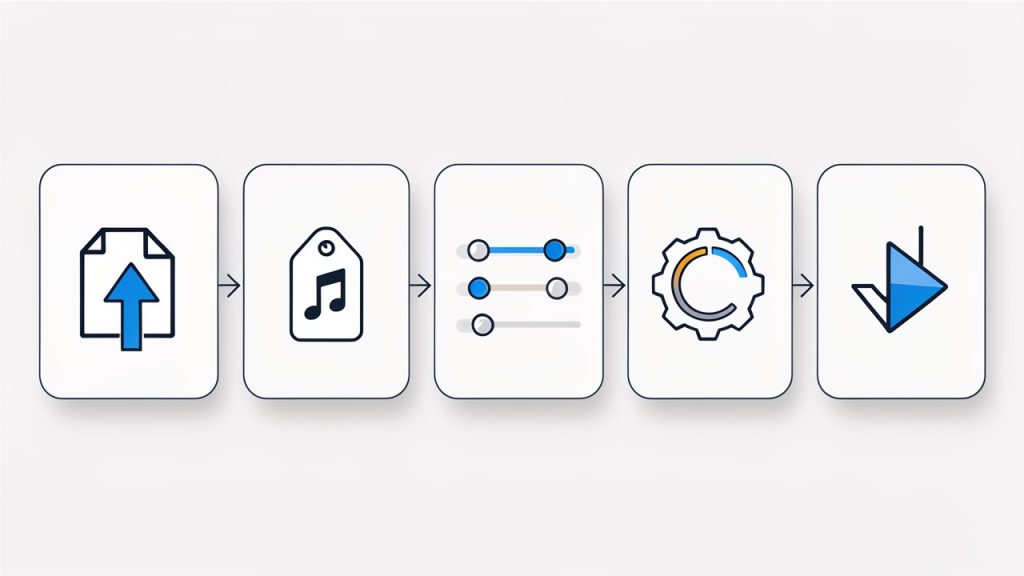
You do not need a complicated setup to start using an MP3 converter effectively. In most cases, the process follows the same pattern:
- Upload or import your file.
- Choose MP3 as the output format.
- Select quality or bitrate settings.
- Convert and download the new file.
- Test playback before sharing or publishing.
Those five actions are enough for most everyday tasks. The final step is the one people skip most often. Always test the converted file on at least one common device or player. A successful conversion is not just a completed download, it is a file that sounds right and behaves as expected.
Choosing the right settings
Settings matter because conversion is not magic. If you choose a very low bitrate, the file may be smaller, but the sound can suffer noticeably. If you choose a very high bitrate for a simple spoken memo, you may be wasting storage and upload time without gaining meaningful quality.
A useful rule of thumb is to match the setting to the purpose. Voice recordings can often be converted at moderate settings while remaining clear and professional. Music, polished content, and public-facing assets deserve more generous quality settings. This is where testing one or two versions can save trouble later. Compare them briefly and keep the smallest file that still sounds good.
Avoiding common conversion mistakes
A common mistake is converting a file repeatedly between compressed formats. Each conversion can degrade quality, especially if the source is already compressed. If possible, start from the highest-quality original file, then create your MP3 from that version. It is similar to making copies of a photocopy. Each generation tends to lose something.
Another mistake is ignoring metadata and naming conventions. If you are handling dozens of client files, podcast clips, or training modules, a vague filename like “audio-final-new-2.mp3” will create confusion fast. A clean naming structure makes your converted files easier to search, share, and archive. Good organization turns conversion from a one-time fix into a scalable workflow.
When free online tools are enough
For occasional use, free online MP3 converters can be perfectly adequate. If you have a non-sensitive file, a stable internet connection, and a basic need, such as turning a WAV file into something easier to email, an online tool can solve the problem in minutes.
The key is to use them intentionally. Check file size limits, review privacy language, and avoid uploading confidential recordings unless you trust the platform. Free tools are best viewed as convenience tools, not automatic solutions for every type of media workflow.
When you may need something more advanced
As your needs grow, the limits of simple converters become more obvious. If you regularly process multiple files, need precise bitrate control, want to trim silence, preserve metadata, normalize audio levels, or automate repetitive tasks, a more advanced MP3 converter or media application can save significant time.
This is especially true for freelancers and teams working with recurring content pipelines. A podcast producer, course creator, virtual assistant, or developer managing downloadable assets often benefits from a repeatable process rather than one-off browser conversions. At that point, the converter becomes part of your production system, not just a rescue tool.
Practical use cases for business and productivity
The value of an MP3 converter becomes clearer when you look at everyday scenarios. A consultant may record client summaries and convert them into lightweight MP3 files for quick delivery. A coach might turn webinar audio into downloadable lessons. A developer building a knowledge base may need standardized audio assets that load reliably across platforms. In each case, conversion supports a smoother user experience.
There is also a strong internal productivity angle. Teams often work with recordings from meetings, interviews, or brainstorming sessions. Converting those files into MP3 can make them easier to share in cloud folders, messaging tools, or project systems. That sounds small, but repeated across a week or month, it reduces friction in collaboration.
Typical use cases at a glance
| Use Case | Why MP3 Helps | What to Prioritize |
|---|---|---|
| Podcast publishing | Easier distribution and broad playback support | Higher audio quality, metadata |
| Client voice deliverables | Fast sharing and smaller attachments | Clear speech, consistent naming |
| Course and training content | Accessible downloads for students or staff | Balance quality and file size |
| Meeting archives | Easier storage and playback later | Compression efficiency, organization |
| Audio from video | Extracts only what you need | Accuracy, format support |
How to choose the best MP3 converter for your needs
The best MP3 converter is the one that fits your actual workflow, not the one with the longest feature list. If you only convert a file once a month, simplicity should win. If you manage content daily, reliability and control matter more than a polished homepage.
Start by looking at four things: supported formats, output settings, file limits, and privacy handling. Those basics tell you whether the tool can realistically support your needs. After that, usability becomes the deciding factor. If the process feels clumsy, users tend to make mistakes, skip checks, or postpone tasks.
For professional use, it is also worth considering whether the tool supports future growth. Today you may only need single-file conversion. Later, you may want batch processing, faster exports, or audio cleanup features. A converter that scales with your workflow often delivers more long-term value than one that solves only the immediate problem.
Conclusion
An MP3 converter is a simple tool with outsized practical value. It helps turn awkward, oversized, or incompatible audio files into a format that is easy to play, share, store, and publish. For small businesses, freelancers, developers, and productivity-minded users, that translates into smoother communication, faster workflows, and fewer technical interruptions.
If you are just getting started, begin with a straightforward file conversion and pay attention to quality, compatibility, and privacy. Test the output, refine your settings, and build a small repeatable process around the kinds of audio files you use most. Once you do, an MP3 converter stops being a utility you only remember in a pinch, and becomes a reliable part of how you work.