

Borrowing money feels simple right up until the payments start. A loan quote might show one monthly number, but it rarely tells the full story of how much goes to interest, how fast the balance drops, or what an extra payment could really save you. That gap is exactly where an amortization calculator becomes useful.
For small business owners, freelancers, developers, and anyone managing cash flow carefully, this tool turns loan math into something practical. Instead of guessing, you can see the payment schedule, total interest, payoff timeline, and the trade-offs between loan terms. It is one of the most useful financial tools online because it helps you make decisions before signing, refinancing, or accelerating a payoff.
What is Amortization calculator?
An amortization calculator is a tool that shows how a loan is repaid over time through scheduled payments. It takes the core inputs, usually the loan amount, interest rate, loan term, and payment frequency, then calculates how each payment is split between principal and interest.
At the beginning of many loans, a larger share of each payment goes toward interest. Over time, that shifts, and more of the payment starts reducing the principal balance. This gradual rebalancing is called amortization. The calculator lays it out clearly, often month by month, so you can see exactly what happens from the first payment to the last.
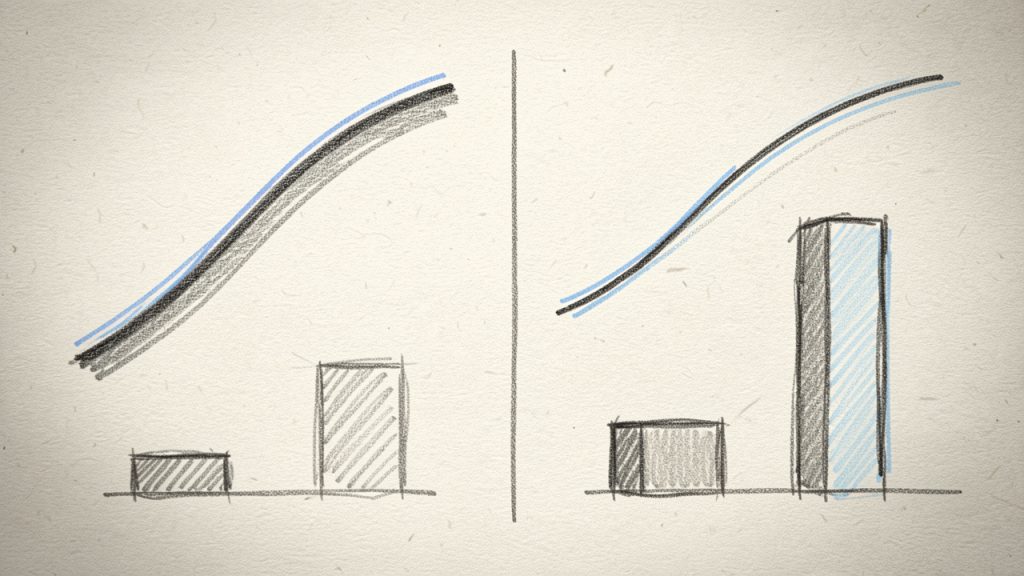
This matters because the same monthly payment can hide very different financial outcomes. A five-year loan and a seven-year loan may both seem manageable, but the longer term usually means paying more total interest. An amortization calculator makes those differences visible in seconds.
For business users, this is especially valuable. If you are financing equipment, taking a working capital loan, or evaluating a commercial real estate mortgage, understanding repayment structure is not just about affordability. It is about timing, liquidity, and the true cost of debt.
Why the schedule matters more than the payment alone
Many borrowers focus only on whether they can afford the monthly payment. That is understandable, but it is incomplete. A loan is not just a monthly bill, it is a long-term cash commitment with a built-in cost curve.
An amortization schedule shows that curve. It answers questions like how much interest you will pay in year one, how quickly equity builds, and how much faster the balance drops if you make additional payments. Those details can affect budgeting, tax planning, and investment decisions.
Common loans that use amortization
The idea of amortization appears across several borrowing situations. Mortgages are the most familiar example, but they are not the only one. Auto loans, personal loans, student loans, and many business loans also use amortized repayment structures.
Different lenders may present terms differently, but the underlying logic is the same. You borrow a principal amount, interest accrues according to the rate, and each scheduled payment gradually reduces the balance until it reaches zero.
Key Aspects of Amortization calculator
The most useful amortization calculators do more than produce a single payment amount. They give you a full repayment picture, which helps you compare scenarios and avoid expensive assumptions.
The core inputs that drive the result
Every amortization calculator depends on a few essential variables. The principal is the amount borrowed. The interest rate determines the cost of borrowing. The term sets how long you repay the loan, and the payment frequency defines whether payments are monthly, biweekly, or another schedule.
A small change in one of these inputs can have a large impact on total interest. For example, lowering the rate by even one percentage point can save thousands over the life of a mortgage. Shortening the term often raises the monthly payment, but it can dramatically reduce the total borrowing cost.
This is why calculators are so valuable for comparison. They let you test realistic scenarios before you commit. Instead of relying on a lender’s headline number, you can examine the full repayment pattern.
Principal vs interest, the split that shapes your loan
One of the most important concepts in any amortization schedule is the difference between principal and interest. Principal is the original amount you borrowed. Interest is the lender’s charge for providing the loan.
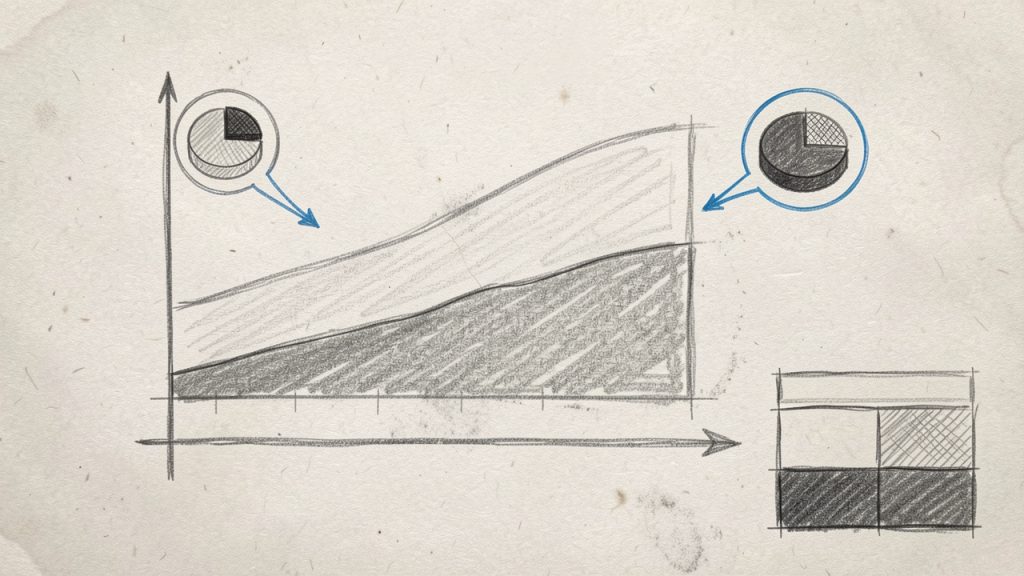
In the early stage of an amortized loan, interest tends to consume a larger portion of the payment because the balance is still high. As the principal declines, the interest portion shrinks too. That means later payments do more of the real work in eliminating the debt.
This is why early extra payments can be so powerful. If you reduce principal sooner, future interest is calculated on a smaller balance. Over time, that compounds into meaningful savings.
Loan term and total cost
A lower monthly payment often looks attractive, especially when cash flow is tight. But stretching a loan over a longer term usually means paying more interest overall. An amortization calculator helps you see that trade-off clearly.
Consider two loans with the same principal and rate but different terms. The longer loan may feel safer month to month, yet it can keep you in debt much longer and increase the total repayment significantly. For a small business, that can affect available capital for hiring, inventory, software, or marketing.
The right answer depends on your priorities. Sometimes preserving cash flow matters more than minimizing interest. Other times, an aggressive payoff is the smarter move. The calculator does not make the decision for you, but it gives you the data to make a better one.
Extra payments and early payoff
One of the most practical uses of an amortization calculator is testing extra payments. Even modest additional payments can shorten the loan term and reduce total interest. This is especially helpful for mortgages and business loans where the original term is long.
If you add a small amount to each monthly payment, apply an annual lump sum, or make biweekly payments instead of monthly ones, the tool can show how much time and money you save. For productivity-minded users, this is where the calculator becomes less of a reference tool and more of a planning tool.
It also helps with timing. You can compare whether it is better to make one larger prepayment now or spread smaller extra payments over time. In many cases, earlier is better, because principal reduction has more time to lower future interest charges.
Fixed-rate vs variable-rate considerations
Most online amortization calculators work best with fixed-rate loans, where the payment structure remains predictable. With a fixed rate, the calculator can generate a stable schedule from start to finish.
Variable-rate loans are different because the interest rate may change over time. In that case, an amortization calculator still helps, but the results are only as accurate as the assumptions you enter. It becomes a model rather than a final forecast.
That distinction matters. If you are reviewing a line of credit, adjustable mortgage, or another flexible financing product, use the calculator to understand possible outcomes, not to assume certainty. It is a decision aid, not a guarantee.
What a good amortization calculator should show
A basic calculator gives you a payment estimate. A strong one provides a full schedule and enough visibility to compare scenarios intelligently.
Here is what the best tools typically include:
| Feature | Why It Matters |
|---|---|
| Monthly payment estimate | Helps you assess affordability immediately |
| Amortization schedule | Shows each payment’s split between principal and interest |
| Total interest paid | Reveals the full cost of borrowing |
| Remaining balance over time | Useful for refinancing, resale, or payoff planning |
| Extra payment simulation | Helps test strategies for saving time and interest |
| Term comparison | Makes it easier to compare short vs long loan structures |
For practical users, the schedule is often the real value. It turns abstract loan math into a timeline you can work with.
How to Get Started with Amortization calculator
Using an amortization calculator is straightforward, but getting accurate insights depends on entering the right assumptions. The tool is simple. The decision-making around it is where the real value lies.
Start with accurate loan details
Before using any calculator, gather the exact loan information you are working with. Estimates are fine for brainstorming, but if you are comparing real offers, precision matters.
Use these inputs:
- Loan amount: Enter the amount you plan to borrow or still owe.
- Interest rate: Use the annual rate, and confirm whether it is fixed or variable.
- Loan term: Enter the length of repayment in months or years.
- Payment frequency: Choose monthly, biweekly, or the schedule your lender uses.
If your loan includes fees, points, insurance, or irregular payment structures, remember that a standard amortization calculator may not capture every nuance. It gives you a strong baseline, not always a complete legal or accounting picture.
Run multiple scenarios, not just one
The biggest mistake people make is using the calculator once and treating the result as final. The smarter approach is to test several scenarios. Compare a shorter term against a longer one. See what happens if you make extra payments. Adjust the rate to reflect better or worse lending offers.
This scenario-based approach is useful for both households and businesses. A freelancer deciding between preserving monthly liquidity and minimizing interest can compare both paths. A business owner considering equipment financing can model whether a faster payoff aligns with revenue timing.
An amortization calculator becomes more powerful when it is used like a planning dashboard rather than a one-time estimate tool.
Use the results to support better budgeting
Once you have the schedule, connect it to your real cash flow. This is where the math becomes actionable. A monthly payment that looks affordable on paper may still create stress if it lands during your slow season or overlaps with payroll, rent, software subscriptions, and tax obligations.
For businesses, the loan should fit the operating rhythm of the company. For individuals and freelancers, it should fit the income pattern, especially if earnings vary from month to month. The calculator helps you see the cost. Your budget tells you whether the timing actually works.
This is also where extra payments should be evaluated realistically. A strategy is only helpful if you can sustain it without creating new financial pressure elsewhere.
Know when calculator results need context
An amortization calculator is excellent for standard installment loans, but some lending products require more interpretation. Interest-only periods, balloon payments, lines of credit, and loans with changing rates can produce repayment behavior that a simple calculator does not fully reflect.
In those situations, use the calculator as a guide, then verify the details against the lender’s disclosures or your financial advisor’s input. The goal is not blind trust in a tool. The goal is informed clarity.
A simple example of how insights change decisions
Imagine you are comparing two loan options for a $50,000 business purchase. One has a shorter term and higher monthly payment. The other stretches the repayment out for lower monthly pressure. Without an amortization calculator, the second option may seem obviously safer.
But once you view the full schedule, you may discover that the longer loan adds a substantial amount of total interest. If your revenue can comfortably support the higher payment, the shorter term may be far more efficient. On the other hand, if cash flow is volatile, the lower payment may be worth the extra cost because it reduces operational risk.
That is the value of the calculator. It does not just show numbers. It changes how you frame the decision.
Conclusion
An amortization calculator is one of the simplest ways to understand the true structure of a loan. It shows more than a payment amount. It reveals how interest accumulates, how principal declines, and how term length or extra payments can reshape the full cost of borrowing.
If you are evaluating a mortgage, personal loan, auto loan, or business financing, the next step is to run your own numbers with realistic inputs and compare at least two or three scenarios. That small effort can save money, improve cash flow decisions, and give you far more confidence before you borrow or pay ahead.