

Treść HTML została przetłumaczona na polski.
Tag: prettier-php
-

PHP Formatter Guide: Tools, Best Practices & Setup
Messy PHP code slows teams down faster than most people expect. A missing space will not crash production, but inconsistent formatting creates friction in code reviews, complicates merges, and makes even simple files harder to trust.
A good PHP formatter solves that by taking style decisions out of human hands. Instead of debating brace placement or line wrapping in every pull request, you define the rules once, run the tool automatically, and keep the codebase clean from that point forward.
For solo developers, that means faster work and fewer distractions. For agencies, startups, and larger engineering teams, it means consistent code, stable diffs, easier onboarding, and smoother CI/CD pipelines. The best part is that the strongest PHP formatting tools are either free, open source, or already included in workflows you may be using today, see tools for examples.
What is a PHP formatter and why it matters
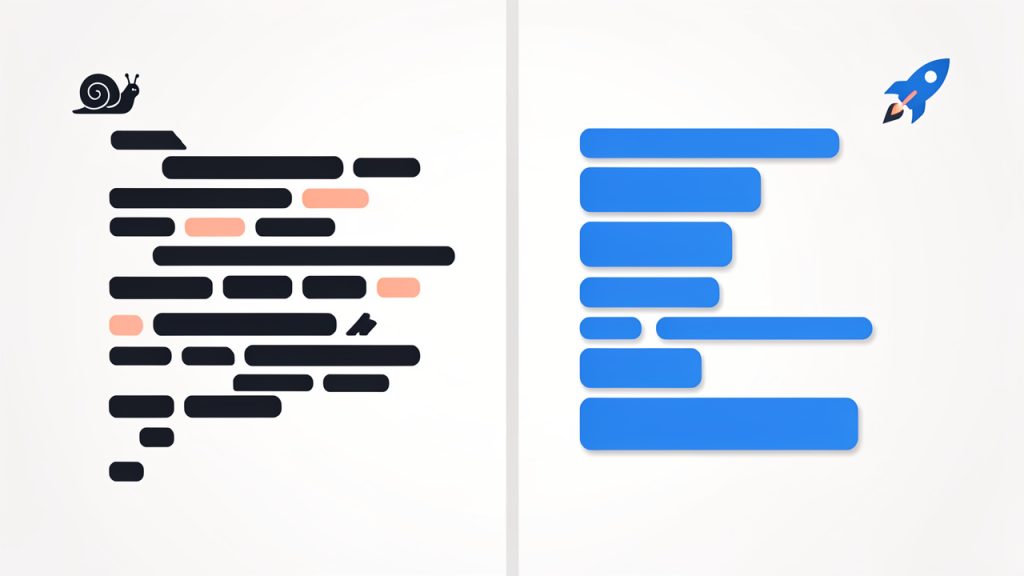
A PHP formatter is a tool that rewrites your code so it follows a consistent style. It handles indentation, spacing, line breaks, brace placement, import ordering, and other layout rules. The goal is not to change what the code does, but to change how it looks so humans can read it more easily.
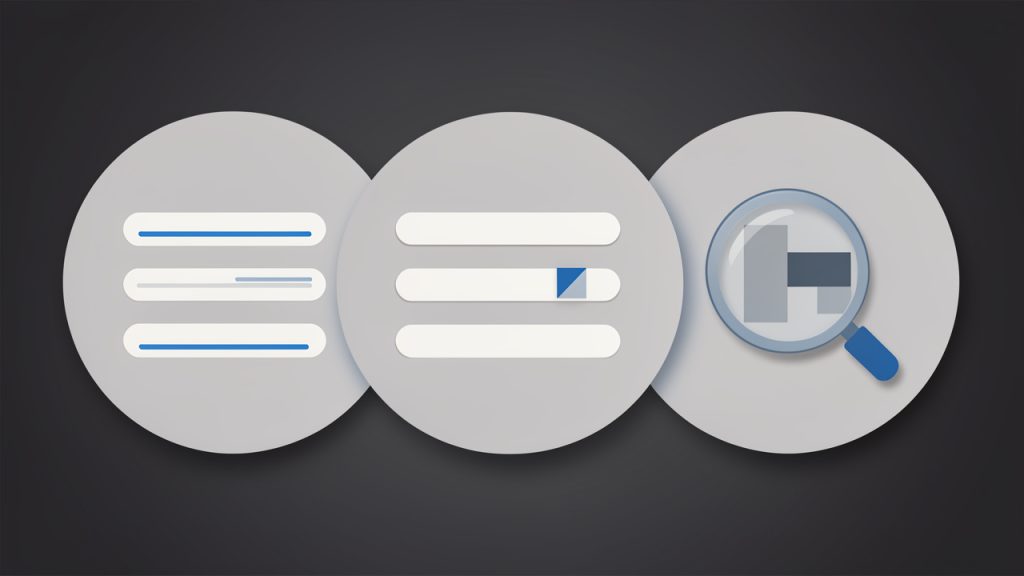
That makes a formatter different from a linter or static analyzer. A formatter focuses on presentation and style, a linter checks for syntax issues and rule violations, and a static analyzer goes deeper to look for type issues, dead code, risky logic, and architectural problems. In practice, strong PHP workflows often use all three.
The reason formatting matters is simple. Teams read code far more often than they write it. A codebase with consistent style feels predictable. You can scan functions faster, compare changes more cleanly, and spend code review time on architecture or bugs instead of arguing over tabs versus spaces. This is especially valuable in open-source projects, client handoff work, enterprise repositories, and any setup with automated Git hooks or CI checks. If several contributors touch the same code every week, a formatter quickly pays for itself.
How PHP formatting works: key principles and rules
Most modern PHP formatters read your files as tokens, and some tools operate closer to parsed syntax structures. They do not simply perform blind text replacement. They inspect the code, understand where keywords, operators, strings, comments, and blocks begin and end, then rewrite the file according to configured rules.
That is why a proper formatter can safely normalize code that includes complex syntax such as anonymous classes, union types, attributes, match expressions, heredoc and nowdoc blocks, and newer PHP 8+ language features. A weak formatter would break these cases. A mature one handles them predictably.
Core formatting rules
At a practical level, most formatters enforce the same families of rules. They normalize indentation, brace placement, whitespace around operators, line breaks, array formatting, and import ordering. Many tools also remove unused imports, align multiline statements, and standardize blank lines between class members. A key quality to look for is idempotence. That means if you run the formatter twice, the second run should produce no additional changes. Idempotent tools create stable diffs, reduce noise in pull requests, and make CI runs more reliable.
PSR standards and style guides
In the PHP ecosystem, PSR-1, PSR-2, and especially PSR-12 are the most familiar style references. PSR-12 is the modern baseline many teams start with because it gives a widely accepted structure for formatting and layout. The strongest formatters let you begin with PSR-12, then layer custom preferences on top, such as import ordering, trailing commas, or argument wrapping.
Deterministic versus configurable formatting
Some tools are highly opinionated and aim to produce one predictable output. Others are highly configurable and let teams tune dozens of rules. If you run a small team or work solo, an opinionated formatter can save time because it reduces decision fatigue. If you maintain a legacy application or need to match an existing internal style guide, a more configurable tool is often the better fit.

1. PHP-CS-Fixer
PHP-CS-Fixer is one of the most widely used PHP formatting tools, and for good reason. It is fast, mature, and highly configurable, built specifically for enforcing and fixing coding standards in PHP projects. If you want a serious formatter that can scale from a personal project to a large production codebase, this is often the first tool to evaluate.
What makes PHP-CS-Fixer stand out is its balance between sensible presets and deep customization. You can start with a rule set like @PSR12, then add or remove individual fixers as your team refines its style. That flexibility is useful for agencies, product teams, and maintainers of long-lived codebases that need consistency without giving up control. Key features include configurable rule sets based on PSR and community presets, automatic code fixing, diff output to review changes before committing, cache support to speed up repeated runs, and good CI and Git hook compatibility.
PHP-CS-Fixer is very flexible for custom team conventions, excellent for automation in pre-commit hooks and CI, and widely adopted with strong ecosystem support. It can feel overwhelming if you are new to formatter rules, and some risky fixers require careful testing before broad adoption. Pricing is simple: PHP-CS-Fixer is free and open source.
2. PHP_CodeSniffer and phpcbf
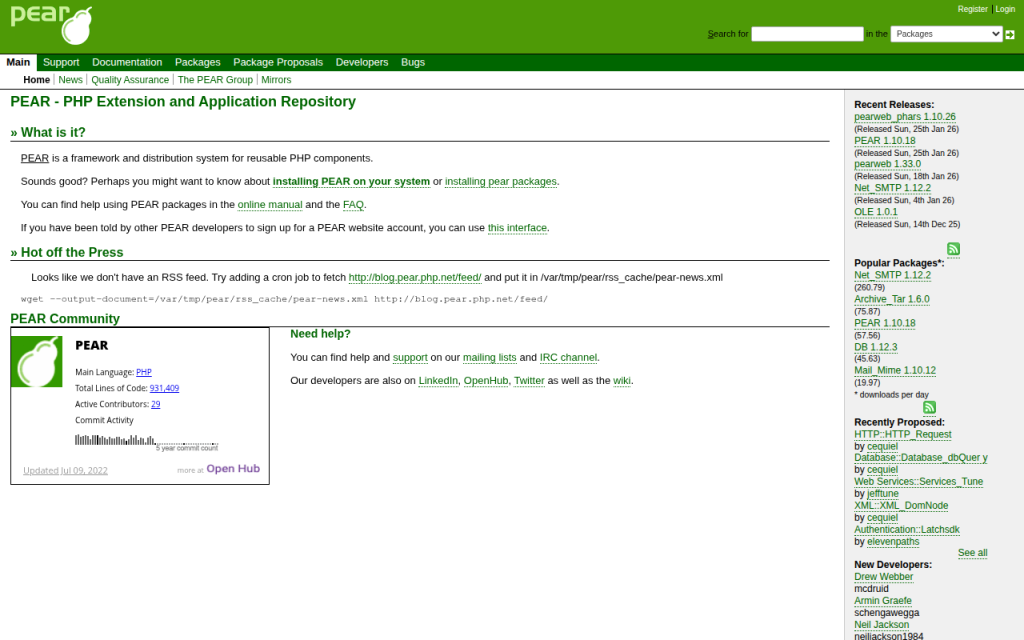
PHP_CodeSniffer, usually referred to as phpcs, is best known for detecting coding standard violations. Its companion tool, phpcbf, can automatically fix many of those violations. Together, they form a strong standards-enforcement workflow for teams that care deeply about rule compliance and auditing.
This pair is especially useful when your project needs to report style issues as much as it needs to fix them. In many organizations, phpcs serves as the standards gatekeeper in CI, while phpcbf handles automatic cleanup where possible. If your workflow leans heavily on formal coding standards and rulesets, this toolchain deserves serious consideration. Key capabilities include ruleset-driven validation via XML configuration, support for official standards such as PSR-12, automatic fixes through phpcbf, strong editor and CI integration, and detailed reporting for teams that want visibility into violations.
phpcs is excellent for enforcement and auditing, with clear reporting in team environments and good CI suitability. The trade-offs are that auto-fix coverage can be narrower than PHP-CS-Fixer for some style preferences, and the configuration feels more standards-oriented than formatter-oriented. PHP_CodeSniffer is free and open source.
3. Prettier Plugin PHP
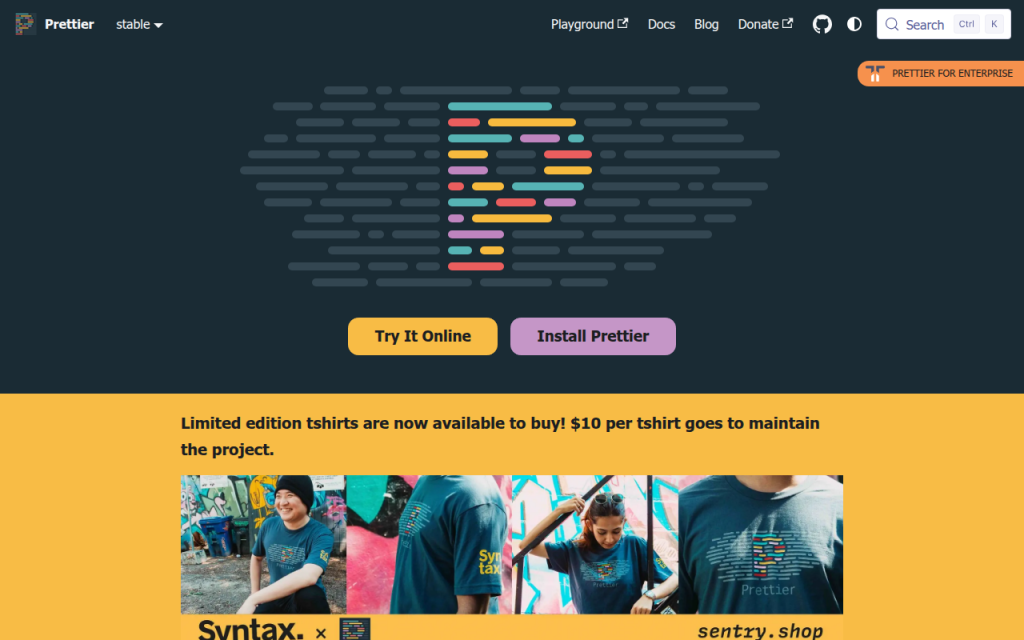
Prettier Plugin PHP brings the Prettier philosophy to PHP. If your project already uses Prettier for JavaScript, TypeScript, CSS, Markdown, or JSON, adding PHP formatting through the same style-first workflow can be appealing. Its biggest strength is consistency in mixed-language repositories. Small product teams and full-stack freelancers often prefer one formatting mindset across the stack instead of maintaining separate habits for frontend and backend files. Key trade-offs are that it is less PHP-specific in customization than PHP-CS-Fixer and may not align with every legacy PHP style guide. Prettier and its PHP plugin are generally free and open source.
4. PhpStorm Built-in Formatter
If your team works primarily inside PhpStorm, the built-in formatter can be surprisingly effective. JetBrains provides detailed code style controls, inspection support, and save-time actions that make real-time formatting feel seamless. This is a strong choice for developers who want immediate feedback in the editor and a polished IDE experience. However, relying only on IDE formatting can create drift if not everyone uses the same version and settings, so teams usually pair PhpStorm with a CLI formatter in CI. The IDE offers an excellent editor experience, real-time formatting, and fine-grained settings, but it is best for teams standardized on PhpStorm and requires shared settings discipline to avoid inconsistencies. PhpStorm is a paid commercial IDE, though JetBrains offers trials and licensing programs.
5. Online PHP Formatters
Online PHP formatter tools are useful when you need a quick cleanup, want to inspect style output, or are helping a client or junior developer understand formatting changes without setting up a local environment. They can be convenient for one-off snippets and rapid experiments, but they are not the best foundation for professional workflows. For production repositories, local and CI-integrated tools are far more reliable, because you want versioned configuration, reproducible output, and privacy controls if the code is proprietary or sensitive. Online formatters are fast and easy for small snippets, require no installation, and are helpful for quick experiments, but they often lack guarantees around privacy, version locking, and long-term availability. Pricing varies, and many online formatters are free to use with limited guarantees.
Comparing the most popular PHP formatter options
For most professional use cases, the real decision comes down to PHP-CS-Fixer versus PHP_CodeSniffer/phpcbf, with Prettier Plugin PHP entering the picture when the repository is heavily mixed-language. The core distinction is this: PHP-CS-Fixer is usually the better pure formatting tool, while phpcs + phpcbf is often the better standards-enforcement tool. That does not mean one replaces the other in every setup. Many teams run formatting with one tool and validation with another.
Tool Best For Strength Trade-off PHP-CS-Fixer Teams wanting flexible, automated formatting Rich rule customization and strong auto-fixing Requires rule decisions and version locking PHP_CodeSniffer + phpcbf Teams enforcing formal standards in CI Strong reporting and standards checks Fixing can be less flexible in some cases Prettier Plugin PHP Mixed JS/PHP repositories Consistent cross-language formatting Less PHP-specific customization PhpStorm Formatter IDE-centric workflows Great local developer experience Needs CLI/CI backup for team consistency Online Formatters Quick snippet cleanup Instant convenience Not suitable for serious team workflows Choosing the right formatter for your project
The best PHP formatter is the one your team will actually use consistently. That sounds obvious, but many projects choose a powerful tool, never finish the configuration, or never wire it into Git and CI. If you are a solo developer or freelancer, PHP-CS-Fixer is often the simplest strong default because it is easy to automate, aligns well with PSR-12, and gives you room to grow. If you work in a team that already uses formal coding standards, PHP_CodeSniffer plus phpcbf may fit better because it combines checking and fixing in a compliance-oriented workflow.
What to consider before choosing: team size affects how strict and automated your setup should be, existing style guides matter because changing conventions across a mature repo can create noisy diffs, CI needs matter because local formatting alone does not guarantee consistency, and repository size matters because performance and caching become more noticeable in large monorepos. Lock formatter versions in Composer or your tooling setup, commit the config file to the repository, and test formatting changes before rolling them out broadly. A formatter should create trust, not surprise.
Step-by-step: Setting up PHP-CS-Fixer
PHP-CS-Fixer is a strong place to start because it handles both simple and advanced formatting workflows well. The setup is straightforward, and once it is in place, most day-to-day use becomes automatic.
Install via Composer
If your project uses Composer, install it as a development dependency:
composer require --dev friendsofphp/php-cs-fixerYou can also use the PHAR distribution if you prefer a standalone binary, but Composer is usually the easiest option for teams because it keeps the version pinned in the project.
Create a basic configuration
A minimal .php-cs-fixer.php file using PSR-12 might look like this:
<?php
$finder = PhpCsFixerFinder::create()
    ->in(__DIR__ . '/src')
    ->in(__DIR__ . '/tests');
return (new PhpCsFixerConfig())
    ->setRules([
        '@PSR12' => true,
    ])
    ->setFinder($finder);
If you want a slightly more customized setup, you can extend it:
<?php
$finder = PhpCsFixerFinder::create()
    ->in([__DIR__ . '/src', __DIR__ . '/tests'])
    ->exclude(['vendor', 'storage', 'cache']);
return (new PhpCsFixerConfig())
    ->setRiskyAllowed(false)
    ->setRules([
        '@PSR12' => true,
        'array_syntax' => ['syntax' => 'short'],
        'ordered_imports' => true,
        'no_unused_imports' => true,
        'trailing_comma_in_multiline' => true,
    ])
    ->setFinder($finder);
This gives you a practical baseline without becoming overly opinionated too early.
Run locally and review diffs
To fix files:
vendor/bin/php-cs-fixer fixTo preview changes with more visibility:
vendor/bin/php-cs-fixer fix --dry-run --diffThat dry-run mode is valuable in CI because it tells you whether the code is compliant without rewriting files in the pipeline.
Add a pre-commit hook
A simple Git pre-commit hook can stop unformatted PHP from landing in the repository:
#!/bin/sh
vendor/bin/php-cs-fixer fix --quiet
git add .
In a mature workflow, you would often narrow the scope to staged PHP files only, but even a basic hook can dramatically improve consistency.
GitHub Actions example
For GitHub Actions, a simple formatting check might look like this:
name: PHP Formatting
on: [push, pull_request]
jobs:
### php-cs-fixer:
    runs-on: ubuntu-latest
    steps:
      - uses: actions/checkout@v4
      - uses: shivammathur/setup-php@v2
### with:
          php-version: '8.2'
      - run: composer install --no-interaction --prefer-dist
      - run: vendor/bin/php-cs-fixer fix --dry-run --diff
GitLab CI example
For GitLab CI, the equivalent is just as direct:
php_cs_fixer:
  image: php:8.2
### script:
    - apt-get update && apt-get install -y git unzip
    - php -r "copy('https://getcomposer.org/installer', 'composer-setup.php');"
    - php composer-setup.php
    - php composer.phar install --no-interaction --prefer-dist
    - vendor/bin/php-cs-fixer fix --dry-run --diff
Use cache support if your project is large. On bigger repositories, that can noticeably reduce repeated run times.
Step-by-step: Using PHP_CodeSniffer and phpcbf
If PHP-CS-Fixer feels formatter-first, PHP_CodeSniffer feels standards-first. That is not a weakness. In many organizations, that is exactly the point.
Install and run basic checks
Install it with Composer:
composer require --dev squizlabs/php_codesnifferRun a basic PSR-12 check:
vendor/bin/phpcs --standard=PSR12 src testsIf violations are fixable automatically, use phpcbf:
vendor/bin/phpcbf --standard=PSR12 src testsCreate a custom ruleset
A simple phpcs.xml or ruleset.xml file gives you repeatable standards enforcement:
<?xml version="1.0"?>
<ruleset name="ProjectStandard">
    <description>Project coding standard</description>
    <rule ref="PSR12" />
    <exclude-pattern>vendor/*</exclude-pattern>
    <exclude-pattern>storage/*</exclude-pattern>
</ruleset>
Once this file exists, you can usually run phpcs without repeating the whole standard definition in the command.
Editor and CI integration
Most editors can invoke phpcs directly, which is useful for immediate feedback. In CI, phpcs works well as a gate because it exits with a non-zero status when violations are found. That makes it easy to block unformatted code before merge. The main limitation to keep in mind is that phpcbf cannot fix every violation that phpcs can detect. That is one reason some teams prefer PHP-CS-Fixer for formatting and phpcs for reporting.
Editor and IDE integration: real-time formatting workflows
The best formatting setup is the one developers barely notice because it happens automatically. That is where editor integration matters. If formatting only happens in CI, developers feel interrupted. If it happens in the editor with the same config used in CI, the process feels natural.
In PhpStorm, you can configure built-in code style rules and also integrate external tools like PHP-CS-Fixer or PHP_CodeSniffer. In VS Code, common extensions support phpcs, php-cs-fixer, and even Prettier Plugin PHP. The critical detail is consistency: your editor should use the same tool, same version, and same project config as your command-line and CI environments.
Conflicts usually happen when multiple tools try to format the same file on save. For example, PhpStorm style settings may fight with PHP-CS-Fixer, or Prettier may reformat files after phpcbf runs. If save actions feel erratic, pick one primary formatter per file type and disable overlapping format-on-save behavior.
Best practices and team conventions
A formatter works best when it becomes part of team culture rather than a side utility. That means committing the config file into the repository, locking tool versions, and documenting the expected workflow in onboarding notes.
For legacy projects, avoid flipping the entire codebase overnight unless you deliberately plan for it. A cleaner approach is to create a dedicated formatting commit, merge it quickly, and ask the team to rebase afterward. Another option is incremental adoption, where only touched files must conform to the formatter. Both approaches are valid. The right one depends on repo size, team coordination, and release pressure.
Keep code review focused on logic. If the formatter is doing its job, reviewers should not spend time requesting whitespace changes. That is the real productivity win.
Common pitfalls and how to avoid them
The biggest complaint about any PHP formatter is PR churn. A small feature branch can suddenly show hundreds of formatting-only changes, making review harder. The fix is process discipline: run one baseline formatting pass in its own commit, then keep feature work separate.
Tool conflict is another common issue. If your formatter and linter disagree, developers lose trust quickly. Align the standards, reduce overlap where possible, and test the full workflow before enforcing it in CI.
Performance can also become a problem in large repositories. Use caching, limit runs to changed files in local hooks, and reserve full-repo validation for CI or scheduled checks. If an auto-fix ever appears to change behavior, stop and verify. Formatting should not alter logic, but some advanced or risky fixers can have side effects. That is why tests should run before merge.
Quick reference: commands, config snippets, and CI templates
Here are the most useful commands to keep nearby in day-to-day work:
Task Command Run PHP-CS-Fixer vendor/bin/php-cs-fixer fixPreview PHP-CS-Fixer changes vendor/bin/php-cs-fixer fix --dry-run --diffRun phpcs with PSR-12 vendor/bin/phpcs --standard=PSR12 src testsAuto-fix with phpcbf vendor/bin/phpcbf --standard=PSR12 src testsA practical setup for many teams is simple: use PHP-CS-Fixer for formatting, optionally use phpcs for enforcement and reporting, wire both into pre-commit hooks and CI, and keep the configuration versioned in the repository.
Frequently asked questions
Does formatting change code behavior?
Usually, no. A proper PHP formatter is designed to preserve behavior while changing style. Still, some advanced fixers can be more aggressive, so it is smart to run tests after adopting new rules.
Should I run a formatter in CI or locally?
Both. Local formatting gives developers instant feedback. CI gives the team a final consistency gate. Using both prevents surprises.
How do I handle mixed-language repositories?
If your repo contains PHP plus JavaScript, CSS, Markdown, and JSON, a split approach works well. Use a dedicated PHP formatter for PHP and Prettier for frontend assets, or adopt Prettier Plugin PHP if cross-language consistency matters more than deep PHP-specific customization.
What about coding style debates?
That is exactly what a formatter is for. Decide once, configure the tool, and move on to reviewing architecture, correctness, and maintainability.
Further resources and references
The official docs are still the best place to verify rule support, installation details, and current syntax compatibility. Start with PHP-CS-Fixer on GitHub, PHP_CodeSniffer on GitHub, PhpStorm documentation on jetbrains.com, and Prettier on prettier.io.
If you are implementing a formatter for a team today, the most effective next step is straightforward. Choose one tool, commit a project config, run it on a small part of the codebase, and connect it to your editor and CI. Once that is working smoothly, expand the scope. A reliable PHP formatter does not just clean code, it cleans up the entire development process.