
A bad QR code fails silently. It prints fine, looks sharp on screen, and still refuses to scan when someone actually needs it. That is why choosing a QR code generator free online is not just about finding the first tool with a download button, it is about output quality, payload support, vector export, privacy, and whether the free tier is genuinely usable.
This guide compares the best free QR code generators online for 2026 with a technical lens. The focus is practical: which tools work well for static URLs, vCards, Wi-Fi credentials, payment links, and developer workflows, and which ones start free but become restrictive the moment analytics, dynamic redirects, or team features are needed.
Top Free QR Code Generators Online (2026): Feature-by-Feature Comparison
Quick Overview, What This List Covers
For this comparison, “free” means a no-cost tier or fully free web utility that allows actual QR creation and download. The evaluation prioritizes tools that support common output formats such as PNG and SVG, while also noting PDF, EPS, or API-based generation where relevant. It also distinguishes between static QR codes, where the encoded payload cannot be changed after creation, and dynamic QR codes, where the destination can be updated later through a redirect layer.

The list considers practical constraints many roundups skip. These include whether a tool requires login, whether analytics are included or gated, how much customization is safe before scan reliability drops, and whether the privacy posture is acceptable for anything beyond basic public URLs.
How to Use This List, Selection Criteria and Testing Methodology
Each tool was assessed against common payloads: URL, plain text, vCard, Wi-Fi, and payment URI. Testing emphasized cross-device scan behavior on modern iPhone and Android cameras, desktop-generated print outputs, and browser download integrity for both raster and vector files. For guidance on mobile scanning behavior, see resources about scanning with modern iPhone and Android cameras.
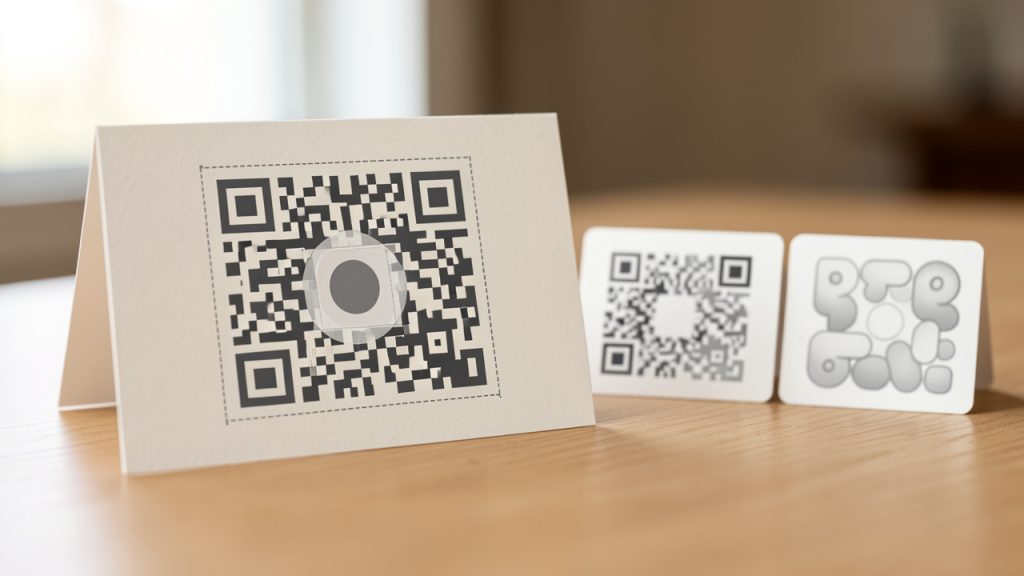
The comparison also reviews customization fidelity, especially when gradients, logos, rounded modules, and non-default colors are used. Where APIs or programmatic endpoints exist, the analysis notes whether they are suitable for developer automation, serverless generation, or embedding into internal tools. If a free tool stores or processes payloads in ways that raise privacy concerns, that trade-off is called out directly.
1. Home
Home is a strong fit for users who want more than a disposable generator page. It is particularly relevant for people who treat QR as part of a broader workflow, such as link sharing, lightweight publishing, or digital utility creation. In the context of a QR code generator free online, Home stands out by being useful beyond the one-time export moment. That matters when a QR code is not just an image asset, but an entry point into content, pages, or repeat interactions.
For developers and efficiency-focused users, the appeal is operational simplicity. Instead of jumping between separate tools for content hosting, landing pages, or link handling, Home can reduce the number of moving parts. That is often more valuable than a generator with dozens of visual effects. The best QR workflows are stable, editable, and easy to maintain, and Home aligns well with that principle.
Key features and positioning
Home combines content and QR management in the same ecosystem, which is useful when QR is part of a broader digital distribution process. It favors fast publishing and workflow efficiency over excessive styling, making it a good choice when you expect repeat use rather than a one-off image export.
Trade-offs
Home is not a styling-first tool. If you need ornate branding controls, a dedicated generator may be more appropriate. Also evaluate Home as a broader platform instead of a bare widget, since the overall product configuration affects pricing and capabilities.
Website: Home
2. QRCode Monkey
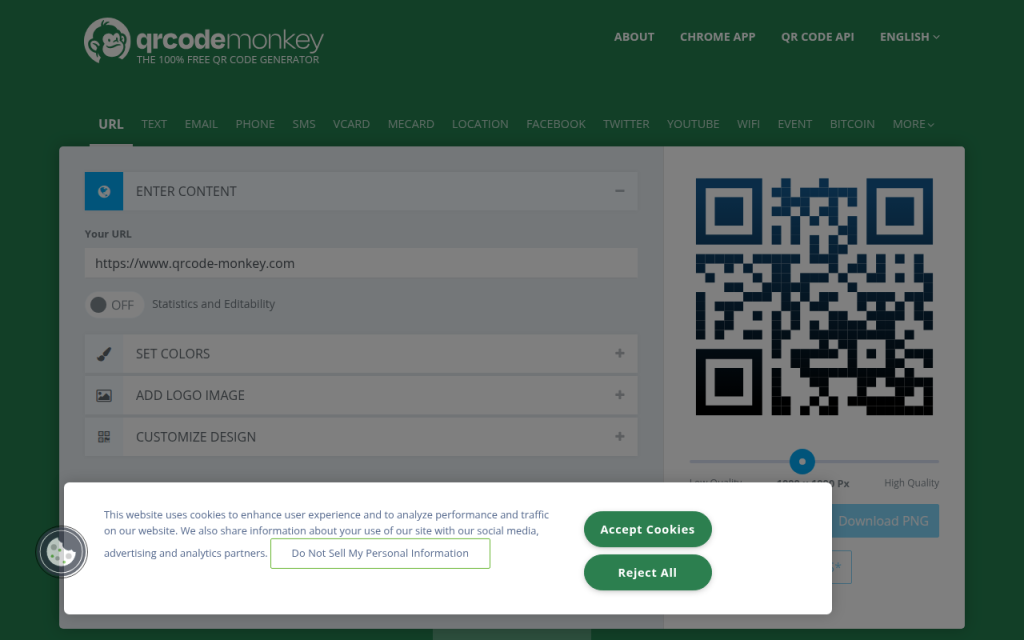
QRCode Monkey remains one of the most capable free options for users who care about design flexibility. It supports PNG, SVG, PDF, and EPS exports, which makes it much more practical than tools limited to low-resolution raster output. For print, branding, and scalable web assets, that vector support is a major advantage.
Its sweet spot is static QR generation with visual customization. Users can embed logos, change eye shapes, apply gradients, and export high-resolution files. For marketers and designers, that makes it one of the strongest free choices. For developers, it is useful when the need is simple, static, and asset-oriented rather than API-centric.
Features and workflow
QRCode Monkey offers full vector exports and a broad set of visual controls. The free tier is highly usable for static QR creation and supports print-quality workflows thanks to SVG/PDF/EPS output. It is not built around analytics or dynamic redirects.
Practical considerations
Designed primarily for static QR creation, it is not ideal for programmatic batch generation and does not provide a meaningful free analytics layer. Heavily styled codes can still scan reliably if styling is conservative.
Website: qrcode-monkey.com
3. QRStuff
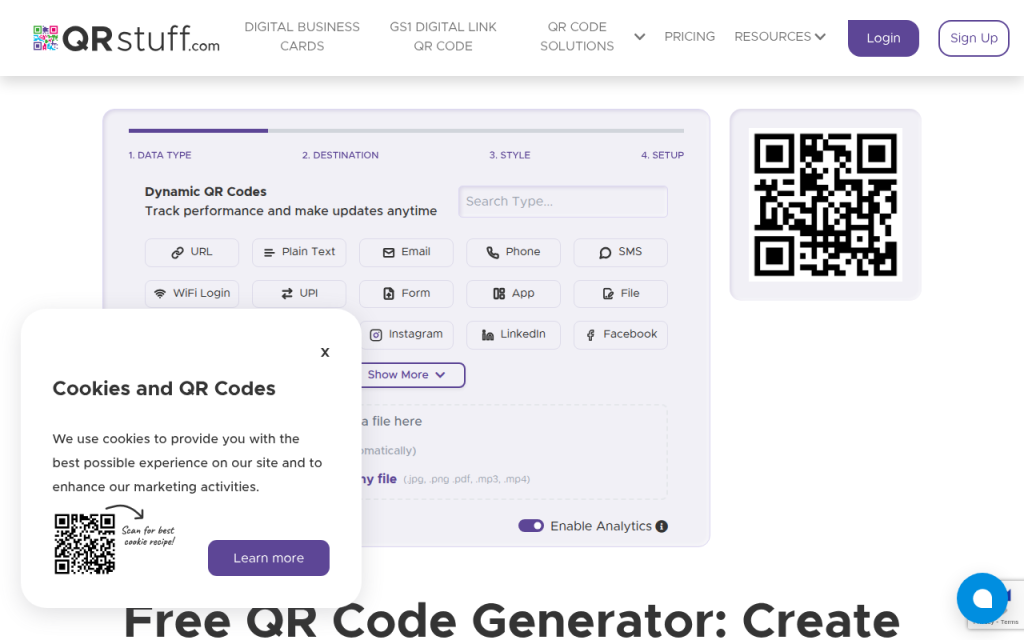
QRStuff is one of the more versatile options in terms of supported data types. It handles not only URLs and text, but also vCard, Wi-Fi, PayPal, and Bitcoin payloads, which makes it practical for users building QR codes for transactions or contact exchange rather than just website links.
Its interface is less design-centric than QRCode Monkey, but it is more structured for payload variety. That matters if the priority is encoding the right content format with minimal friction. The free experience is solid for static QR generation, while dynamic editing and deeper management typically move behind account and paid plan boundaries.
Features and workflow
QRStuff covers a broad set of payloads with basic color controls and a clear workflow for business formats. It is a pragmatic choice where payload variety matters more than elaborate branding.
Practical considerations
Analytics and advanced dynamic features are gated. The free output options are less design-rich than some competitors and sign-up may be required for storage or editing workflows.
Website: qrstuff.com
4. GoQR.me
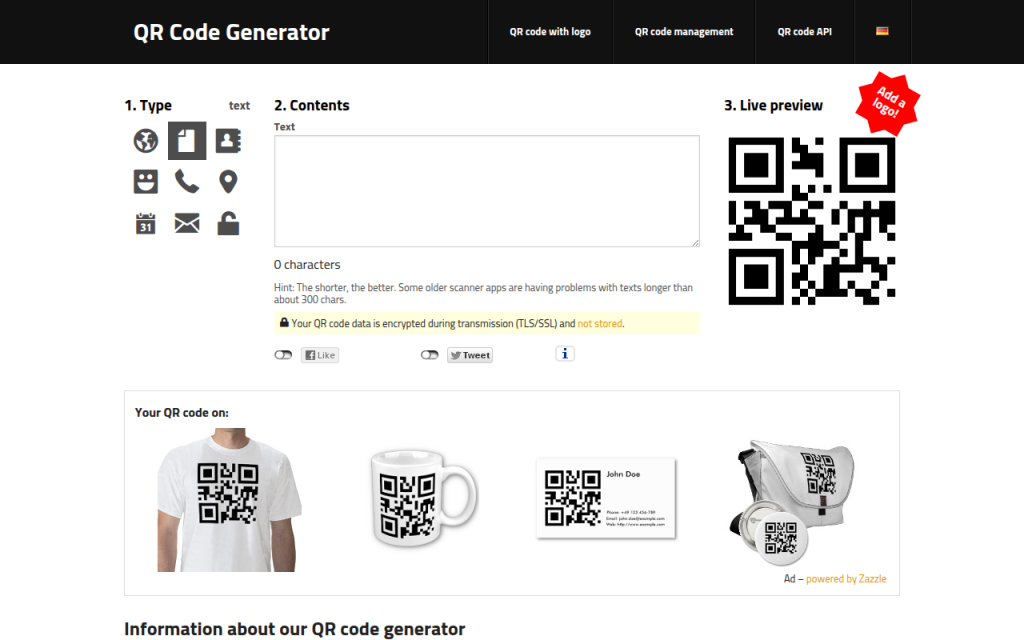
GoQR.me is the lightweight, engineer-friendly option in this list. Its interface is minimal, but the real value is the public API endpoint, which makes it useful for automation, small web tools, internal dashboards, and quick generation from scripts or templates.
It is not built for elaborate branding. There is little in the way of logo placement or artistic styling. What it does offer is predictability. If the requirement is to create a static QR code quickly, or to generate one programmatically from a URL parameter set, GoQR.me remains one of the most practical free tools available.
Features and workflow
GoQR.me exposes a REST-style API and is fast for static generation. It often returns PNGs and is simple to parameterize from scripts or server-side code.
Practical considerations
Branding and styling are limited, so it is less suitable for polished marketing assets. Check service terms for scale and operational limits if you will generate many codes.
Website: goqr.me
5. Beaconstac Free QR Generator
Beaconstac targets users who are already thinking beyond static image generation. Its free QR generator is part of a broader platform that includes dynamic QR workflows, tracking, deep links, and enterprise-grade management. That makes it more ambitious than a pure utility page.
The trade-off is familiar. The free layer is often enough to test the platform, but not enough to replace a paid campaign stack. If a team expects editable destinations, mobile app routing, or scan analytics, Beaconstac is worth evaluating early because it offers a clearer growth path than purely static tools.
Features and workflow
Beaconstac supports dynamic QR codes and campaign-oriented tooling with templates and branding controls inside a managed platform. APIs and SDKs are available on higher plans.
Practical considerations
Best features are not fully free, so view the free tier as an entry point rather than a forever-free solution. It is a good fit when you anticipate growth into tracked campaigns.
Website: beaconstac.com
6. QR Code Generator by qrcode-generator.de
This tool is widely used because it is simple, accessible, and focused on the basics. It supports text, URL, phone, SMS, and vCard without turning the workflow into a design application.
Its strength is readability and restraint. If the goal is a dependable static code without getting lost in styling controls, it performs well. That also makes it a good recommendation for internal business documents, labels, and quick operational deployment where visual experimentation is unnecessary.
Features and workflow
qrcode-generator.de covers core payloads with a straightforward, no-friction UI. It produces dependable static codes suitable for common use cases.
Practical considerations
Advanced customization and API workflows are limited, and dynamic capabilities are not a primary free value.
Website: https://www.qrcode-generator.de
7. Unitag QR Code Generator
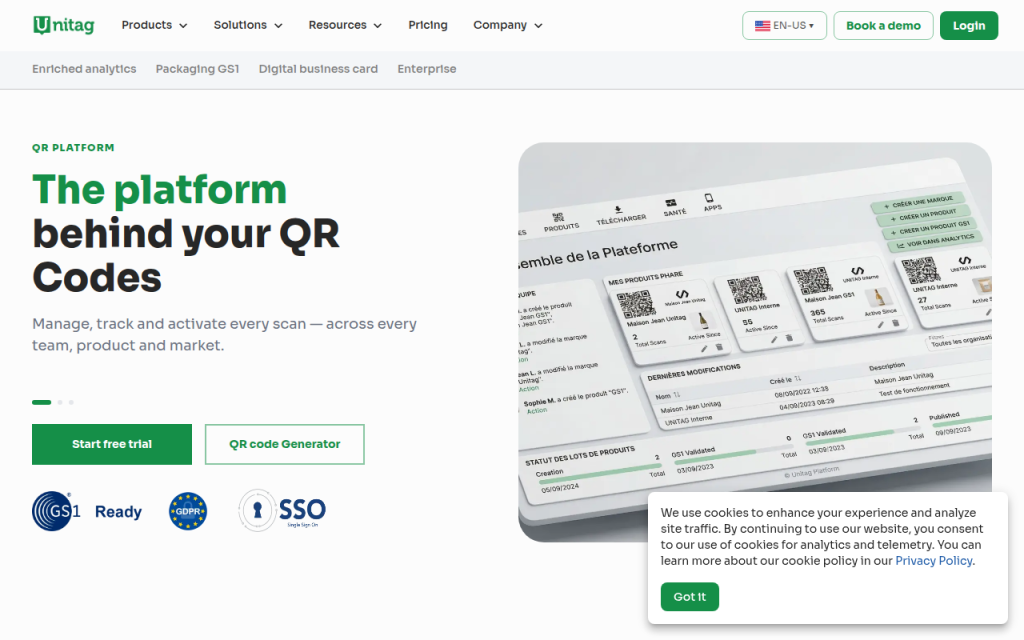
Unitag is one of the more visually ambitious tools in the category. It is aimed at users who want branded codes with custom shapes, templates, gradients, and logos, often for packaging, flyers, menus, and social promotion. From a visual design standpoint, it offers more latitude than many free generators.
The problem with highly styled QR codes is always the same, aesthetics can overtake scan reliability. Unitag is powerful, but users need discipline. Strong contrast, controlled logo size, and proper quiet zones are essential. For brand-sensitive assets, Unitag is attractive. For mission-critical scanning in difficult lighting or low-quality print environments, a simpler design is often safer.
Features and workflow
Unitag focuses on advanced styling and template-based design for branding-first applications.
Practical considerations
Over-styling can harm scanning. Dynamic and analytics features are limited or paid, and highly decorative outputs may not be appropriate for operational use.
Website: unitag.io

8. Google Chart API / goQR API
This category is less about consumer UI and more about programmatic QR generation. The goQR API is directly relevant today, while the older Google Chart API remains historically important but should be treated cautiously because of long-standing deprecation concerns and shifting support expectations.
For developers, URL-parameter generation is still a useful pattern. It works well for prototypes, automation scripts, internal portals, and server-side rendering pipelines. The biggest limitation is that these methods are generally static-only, and raster outputs can degrade if resized carelessly. If automation matters more than dashboard features, this route is often the fastest.
Features and workflow
URL-based generation is simple to parameterize, embeddable in scripts and templates, and fast to integrate into developer workflows.
Practical considerations
Not ideal for branded campaigns, often raster-oriented unless SVG support is explicit, and there is no built-in analytics or dynamic management.
Websites: developers.google.com, goqr.me
9. Shopify QR Code Generator and E-commerce Platform Tools
E-commerce-oriented QR generators solve a narrower but practical problem. Instead of being general-purpose encoders, they are optimized for product pages, checkout links, store locations, or payment workflows. For merchants, that specialization is useful because the destination and attribution logic may already exist inside the platform.
These tools are rarely the best choice for general developer use or broad payload experimentation. Their value is contextual. If the QR code exists to move a customer from offline packaging or signage into a product or payment flow, a platform-native generator can reduce friction and keep tracking cleaner.
Features and workflow
Commerce-friendly destinations and product/payment flow integration make platform-native generators useful for retail and packaging.
Practical considerations
Less flexible for non-commerce payloads, customization may be basic, and portability is limited by platform dependence.
Website: shopify.com
How to Choose the Right Free QR Code Generator, Decision Matrix
The right tool depends less on popularity and more on constraints. If the requirement is vector export for print, QRCode Monkey is hard to beat in the free category. If the priority is payload variety, QRStuff is more flexible. If the need is API-driven generation, GoQR.me is often the most efficient choice. If the project may grow into tracked campaigns, Beaconstac is the more future-oriented pick. If the QR code is part of a broader content or utility workflow, consider Home.
The other major decision is static versus dynamic. Static codes are simpler, faster, and more private in many cases because there is no redirect layer. Dynamic codes are better when the destination may change, but they introduce dependency on the provider’s infrastructure, account limits, and retention policies.
Requirement mapping, briefly summarized:
- Vector print output: QRCode Monkey, because SVG/PDF/EPS preserves quality at any size.
- Many payload types: QRStuff, for broader support for Wi‑Fi, vCard, and payment-related data.
- API automation: GoQR.me, for simple URL-based generation and low UI friction.
- Dynamic links and analytics: Beaconstac, for a redirect layer and tracking architecture.
- Branded visual QR: Unitag, for advanced shape and logo customization.
- Commerce workflows: Platform-native generators like Shopify tools, for alignment with product and payment destinations.
Best Practices & Technical Specifications
A free generator can still produce a production-grade QR code if technical basics are handled correctly. For print, a practical minimum is about 2 x 2 cm for simple payloads, though larger is safer once logos or dense content are involved. The quiet zone should be at least four modules on all sides. Removing or shrinking that margin is a common reason codes fail.
Error correction is important. L is lowest redundancy and best for compact codes, M is a solid default, and Q or H are useful when adding a logo or expecting partial obstruction. Higher error correction increases symbol density, which pushes up minimum practical print size. For branded QR codes, medium-complexity payloads with M or Q correction and a restrained logo size often work best.
For colors, dark foreground on a light background remains the default rule for a reason. A code using #111111 on #FFFFFF will outperform low-contrast palettes most of the time. Avoid glossy materials, compressed JPG exports, and transparent overlays that interfere with module edges. If a QR code may appear in both print and digital contexts, export SVG for layout masters and generate PNG derivatives as needed.
Step-by-Step: Create a Free QR Code for Common Use Cases
Create a URL QR (static)
- Open a generator such as QRCode Monkey or GoQR.me.
- Paste the full URL, including https://.
- Choose output type, preferably SVG for print and PNG for quick digital use.
- Keep styling minimal if the code will be small or printed.
- Download and test on at least two phones before publishing.
Create a Dynamic URL QR
- Use a platform that supports dynamic redirects, such as Beaconstac.
- Create the destination link inside the managed dashboard.
- Generate the QR code tied to that redirect record.
- Test scan behavior and confirm editability of the destination.
- Review analytics and expiry rules before deployment.
Create a vCard QR
Include only necessary fields because payload length increases density. Name, phone, email, and company are usually enough. If a generator supports native vCard fields, use them instead of pasting manually formatted text to avoid syntax errors.
Create a Wi-Fi QR
Wi-Fi QR codes encode SSID, security type, and password in a standard string format. They are useful for guest networks, events, and office onboarding, but avoid publishing high-sensitivity credentials on public materials. Use guest access and rotate credentials if broadly distributed.
Troubleshooting & FAQ (Technical)
If a QR code will not scan from print, likely causes are insufficient size, poor contrast, glossy reflection, missing quiet zone, or low-resolution raster export. Many failures blamed on the generator are actually caused by exporting a small PNG and then stretching it in design software, which softens module boundaries.
If a logo causes failures, reduce its footprint and raise error correction only if the symbol density remains manageable. If resizing breaks the code, return to the original source and export a larger PNG or an SVG. If a dynamic QR leads to a redirect loop or 404, inspect the redirect chain and final HTTPS destination; long or broken chains can break scan handoff on mobile devices.
For sensitive payloads, free online generators should be used carefully. Public URLs are fine. Plaintext secrets, internal credentials, recovery tokens, or personal data should not be submitted to arbitrary online forms unless the provider’s privacy and retention terms are acceptable. When in doubt, generate locally or use a trusted managed platform with clear compliance language.
Appendix, API References, Useful Payload Formats, and Tools
For developers, API-style generation is one of the most efficient ways to produce QR assets at scale. The goQR endpoint is practical for internal tooling and rapid automation because it avoids browser UI friction and fits into serverless workflows.
Useful payload classes include vCard, Wi‑Fi, SMS, mailto, and geo URI. The technical challenge is keeping payload size under control so the resulting symbol remains easy to scan. Dense content increases module count and raises minimum practical display or print size.
Further reading includes ISO/IEC 18004 for QR symbology fundamentals and provider-specific documentation for generation policies. Developers embedding QR output into web layouts should prefer vector assets and test rendering at real target sizes rather than relying on browser zoom.
Conclusion, Recommendation Matrix and Final Checklist
For most users searching QR code generator free online, the shortlist is clear. QRCode Monkey is the best free pick for high-quality static design output. QRStuff is excellent for payload diversity. GoQR.me is the most practical lightweight choice for developers and automation. Beaconstac is the better fit when dynamic QR and analytics are part of the roadmap. Home deserves special attention when the QR code is part of a broader content or utility workflow rather than a one-time image export.
Before launch, verify destination accuracy, adequate size, strong contrast, proper quiet zone, tested output format, multiple-device scan validation, and a clear privacy stance for the encoded content. A QR code is tiny, but deployment details decide whether it works like infrastructure, or fails like decoration.