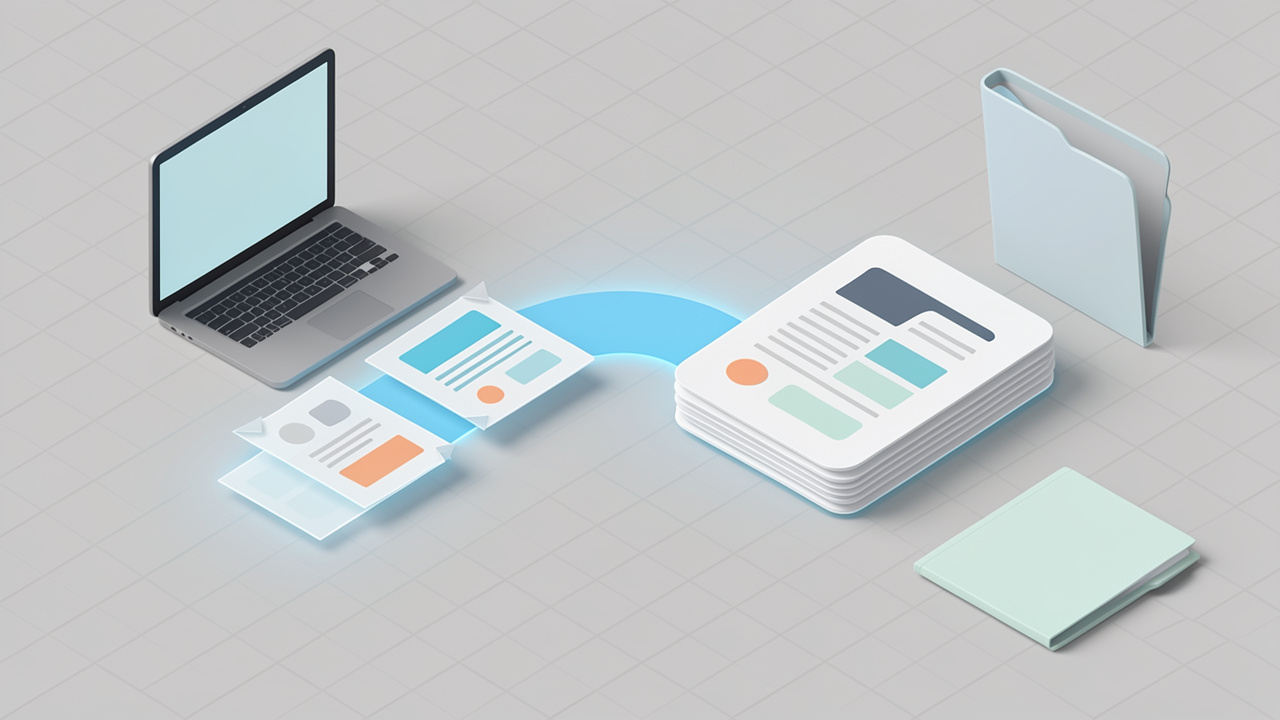
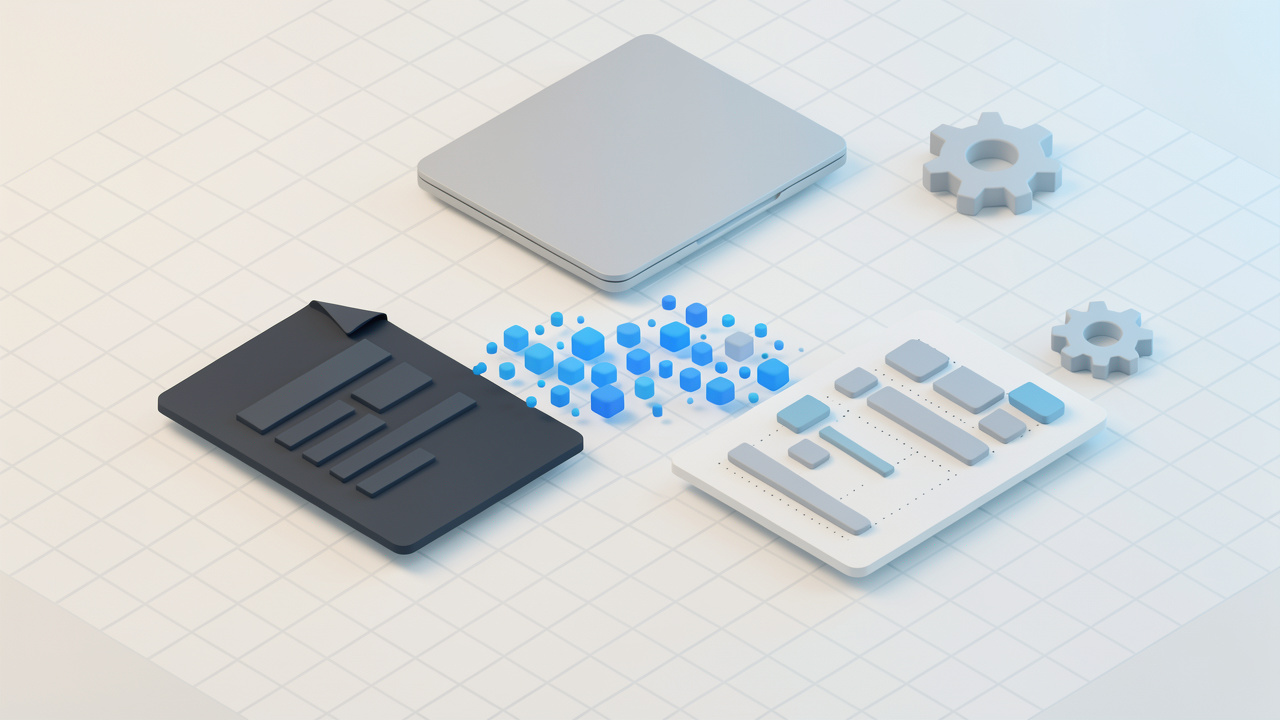
แก่นแท้ของมัน merge pdf online free หมายถึงการใช้เครื่องมือบนเว็บไซต์เพื่อรวมไฟล์ PDF สองไฟล์ขึ้นไปให้กลายเป็นเอกสารเดียวโดยไม่ต้องจ่ายเงินสำหรับซอฟต์แวร์เดสก์ท็อป แทนที่จะดาวน์โหลดโปรแกรม คุณอัปโหลดไฟล์ผ่านเบราว์เซอร์ จัดเรียงตามลำดับที่คุณต้องการ และให้เครื่องมือสร้าง PDF ที่เสร็จสมบูรณ์หนึ่งไฟล์
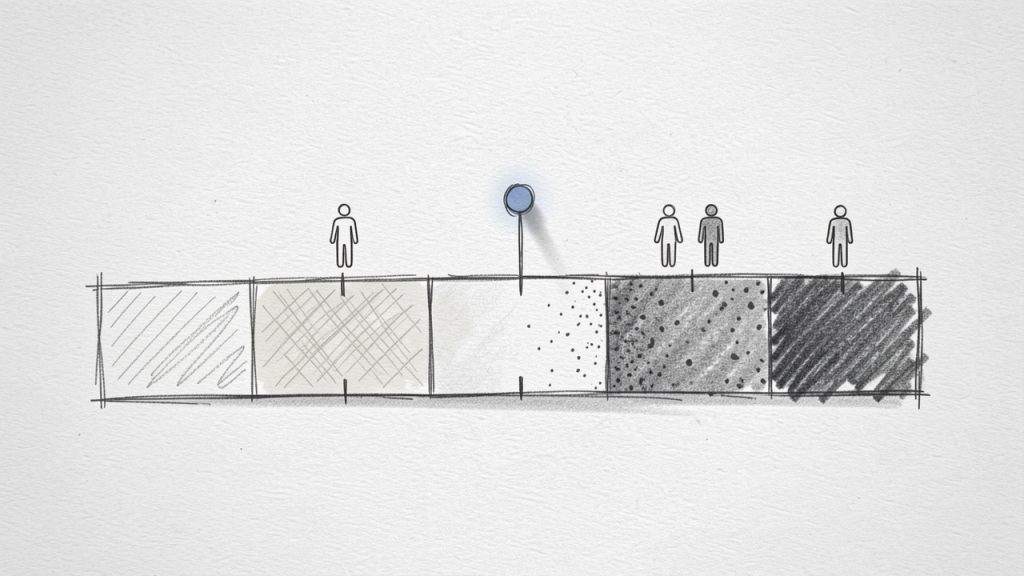
These ranges are widely recognized for adults, but they are not applied exactly the same way for children and teens. Younger age groups are typically assessed using age- and sex-specific percentile charts rather than adult BMI cutoffs.
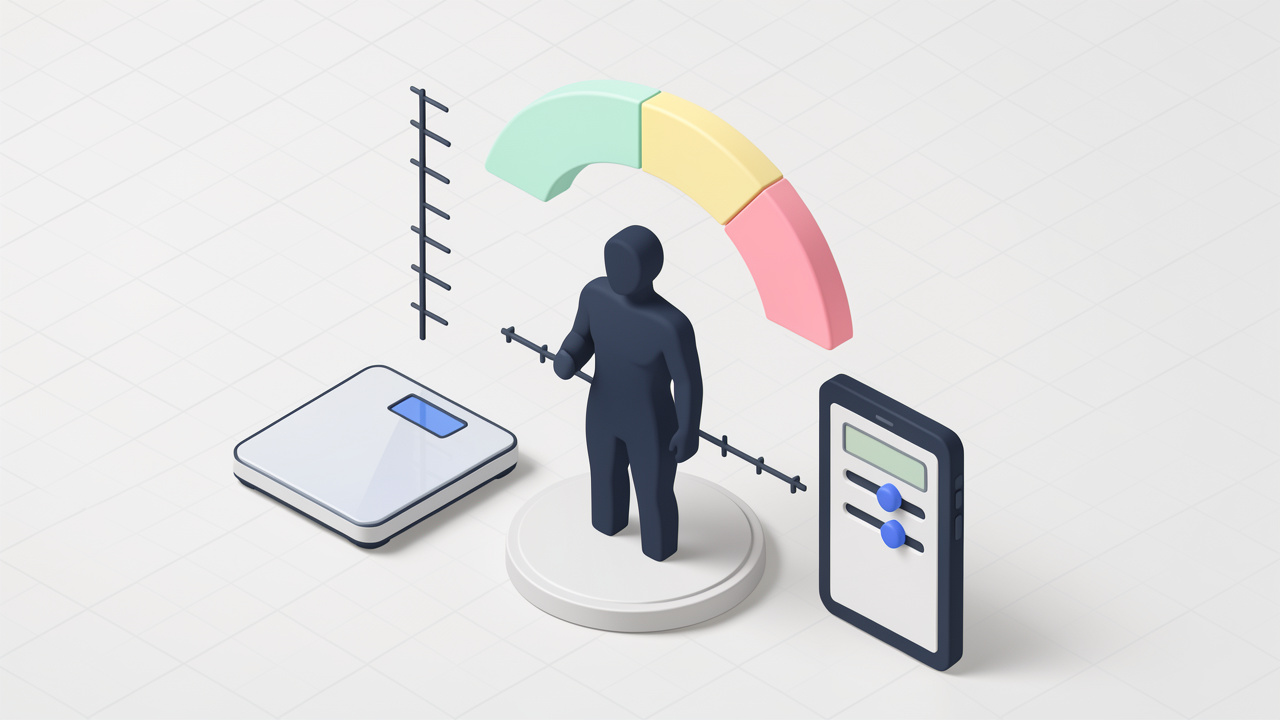
Key aspects of BMI calculator
To use a BMI calculator well, it helps to understand both its strengths and limitations. On the positive side, BMI is simple, accessible, and fast. Those three qualities make it ideal for online tools aimed at users who want quick results without complexity. It is also useful for trend tracking. If your BMI changes over time alongside changes in diet, activity, or routine, that shift can help you spot progress or potential issues.
Another important aspect is accuracy of input. A BMI calculator is only as good as the numbers entered. Small mistakes in height or weight can change the result enough to move someone from one category to another. This is especially true for shorter individuals, where even minor height errors can noticeably affect the score.
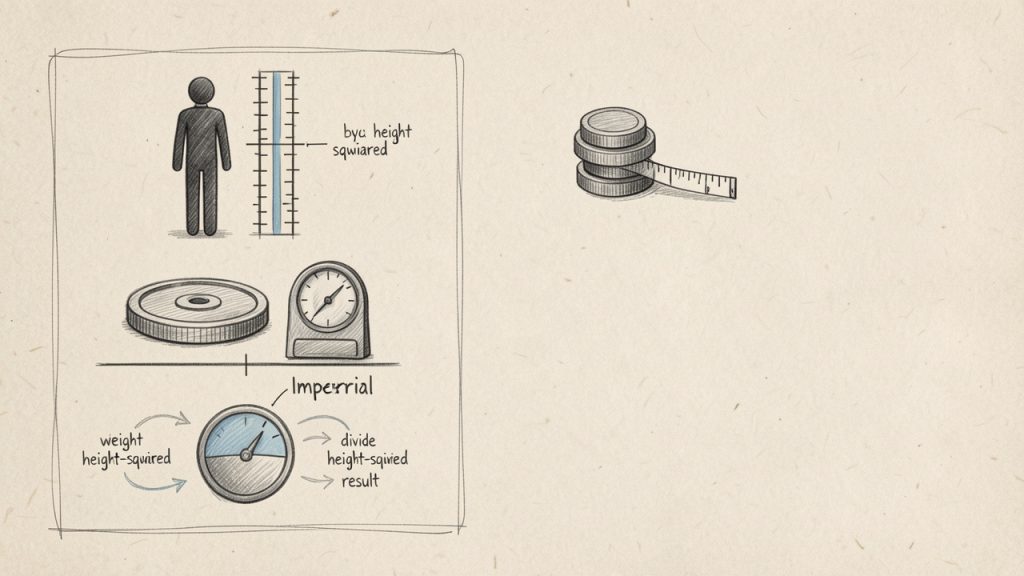
BMI calculators also vary in how much context they provide. Some tools only display the number. Better calculators explain the category, offer unit switching between metric and imperial, and clarify that BMI is not a diagnosis. The best versions combine simplicity with useful interpretation, helping users avoid drawing overly dramatic conclusions from a single number.
BMI versus other health measurements
BMI is often more meaningful when paired with other indicators. For example, waist circumference can offer insight into abdominal fat, which is associated with higher metabolic risk. Body fat percentage can provide a more direct view of composition, although measuring it accurately usually requires specialized methods or devices.
Blood pressure, cholesterol, blood sugar, fitness level, sleep quality, and daily activity all add valuable context too. A person with a BMI in the healthy range but poor cardiovascular markers may still need lifestyle changes. Likewise, someone with a BMI above the standard range may be metabolically healthy and physically active.
This is why professionals often treat BMI as a first-pass filter. It is useful because it is easy. It is limited because health is more complex than one equation.
Who should be cautious when interpreting BMI
Certain groups should be especially careful not to overinterpret BMI results. Athletes and strength-trained individuals often carry more lean mass, which can push BMI upward without indicating poor health. Older adults may experience changes in body composition that BMI does not capture well. Pregnant individuals also require separate assessment methods, since normal weight changes during pregnancy do not fit standard BMI interpretation.
People from different ethnic backgrounds may also face different risk patterns at the same BMI levels. This does not make BMI useless, but it does mean context matters. A calculator can provide a useful signal, but it cannot replace individualized assessment.
Benefits and limitations at a glance
Aspect
Why It Helps
Where It Falls Short
Simplicity
Fast, easy to use, no special equipment
Can feel overly reductive
Accessibility
Free online tools are widely available
Quality of explanations varies
Standardization
Useful for broad comparisons and tracking
Does not reflect individual nuances well
Screening value
Good starting point for health conversations
Not a diagnosis or full risk profile
Ease of tracking
Helpful for monitoring general trends
Can be misleading if used alone
How to get started with a BMI calculator
If you want to use a BMI calculator effectively, start with clean data. Measure your weight under consistent conditions, ideally at the same time of day and with similar clothing. For height, avoid guessing. Even a rough estimate can distort the result more than people expect.
Once you have accurate numbers, enter them into a calculator that supports the units you prefer. Most modern tools allow either kilograms and meters or pounds and inches. After you receive the BMI result, look at both the number and the category, but stop short of assigning it too much power. It is a clue, not a verdict.
A practical way to approach BMI is to treat it as part of a broader personal dashboard. If your result is outside the healthy range, that may be a prompt to examine eating habits, movement, sleep, stress, and medical history. If your BMI falls within the healthy range, that is useful to know, but it should not automatically be taken as proof that everything else is optimal.
A simple way to use BMI in real life
Measure accurately: Use current, realistic height and weight values.
Calculate once, then track over time: Focus on trends instead of obsessing over daily changes.
Add context: Consider waist size, fitness, energy levels, and any existing health markers.
Act on patterns: If the number raises concerns, use it as a reason to seek better habits or medical advice.
This approach keeps the tool useful without turning it into a source of anxiety. Health metrics are most powerful when they guide action, not when they trigger self-judgment.
Choosing a good online BMI calculator
Not all calculators are equally helpful. A good BMI calculator should feel intuitive, load quickly, and explain the result in plain language. It should also clarify that BMI is intended for general screening, not definitive diagnosis.
For productivity-minded users, this matters more than it might seem. A clean, trustworthy tool saves time and reduces confusion. When a calculator is well designed, the user can move from input to insight without distractions, pop-ups, or vague explanations.
If you are using one regularly, it also helps to choose a calculator that works well on mobile. Many people check health metrics on the go, between meetings, during breaks, or while setting personal goals alongside work and family responsibilities. A fast, free tool fits naturally into that routine.
When to talk to a professional
There are times when a BMI result should lead to a deeper conversation. If the number is significantly above or below the usual range, or if it changes quickly without a clear reason, speaking with a healthcare professional is a smart next step. The same applies if you have symptoms such as fatigue, shortness of breath, persistent pain, or metabolic concerns.
A professional can interpret BMI alongside family history, medications, lab work, physical activity, and body composition. That fuller picture is where real health decisions should be made. The calculator opens the door. It should not be the final word.
Conclusion
A BMI calculator remains useful because it does one thing very well, it offers a quick, accessible estimate of whether your weight is proportionate to your height. For people who want a free, easy-to-use online tool, that simplicity is a major strength. It provides a starting point, helps track trends, and encourages more informed health conversations.
The smartest next step is to use BMI as one part of a bigger picture. Check your numbers accurately, review the result with context, and pair it with other markers that reflect your overall well-being. If something looks off, use that insight to make practical changes or get professional guidance. A good calculator gives you a number. A better approach turns that number into action.
ชุดคุณลักษณะกว้างๆ นี้เป็นเหตุที่เครื่องมือไวยากรณ์ฟรีได้รับความนิยมในหมู่นักเรียน ที่ปรึกษา นักการตลาด นักพัฒนา และเจ้าของธุรกิจขนาดเล็ก เพราะพวกมันทำมากกว่าการตรวจสะกด คำสะกดมาตรฐานอาจจับ teh แทน the. เครื่องตรวจไวยากรณ์อาจแนะนำให้เปลี่ยน There is many reasons เป็น There are many reasons, หรือชี้ให้เห็นว่า your ควรเป็นจริงๆ ว่า you’re
AI ไม่ใช่สิ่งที่ปราศจากข้อบกพร่อง มันอาจปรับแต่งวลีที่ตั้งใจให้มากเกินไป เข้าใจผิดศัพท์อุตสาหกรรม และทำให้เสียงสร้างสรรค์แบนลง เครื่องตรวจไวยากรณ์ควรมองว่าเป็นผู้ช่วยอัจฉริยะ ไม่ใช่บรรณาธิการขั้นสุดท้าย
Where they run
เครื่องตรวจไวยากรณ์ออนไลน์ฟรีมีหลายรูปแบบ ปกติที่สุดคือ เว็บเอดิเตอร์ ซึ่งคุณวางข้อความลงในเบราว์เซอร์และทบทวนข้อเสนอแนะ หลายตัวยังมีส่วนขยายเบราว์เซอร์ที่ทำงานภายใน Gmail, LinkedIn, Google Docs และแอปเว็บอื่นๆ บางตัวมีแอปเดสก์ท็อป คีย์บอร์ดบนมือถือ หรือการรวมสำหรับ Microsoft Word
Best practices for accepting or rejecting suggestions
Treat every suggestion like a junior editor, not a law. Ask two questions: Is the suggestion technically correct, and does it improve the sentence for this audience? Sometimes the answer to the first is yes and the second is no. For example, a tool might suggest simplifying a sentence that is deliberately formal because you are writing a proposal or legal notice. In that case, precision may matter more than simplification, so reject the change.
How to combine tools for better results
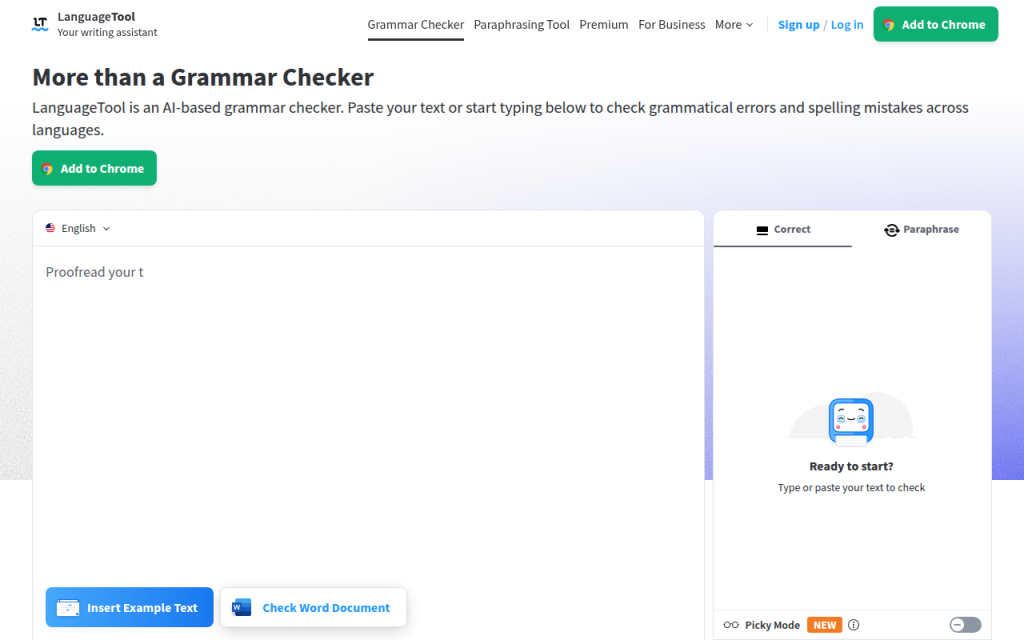
A strong workflow often combines one grammar checker with one readability tool and a final human pass. You might use Grammarly or LanguageTool for correctness, then Hemingway for clarity, then do a final manual read for tone and nuance. If you publish professionally, especially in academic, legal, or brand-sensitive contexts, consider grammar software as the first screen, not the final authority.
Privacy, Security, and Data Concerns with Free Grammar Tools
Privacy is one of the most overlooked parts of choosing an online grammar checker free tool. Many people paste client emails, contracts, internal strategy documents, resumes, or product roadmaps into these platforms without thinking about where that text goes.
Because these tools often process writing in the cloud, your text may be transmitted to remote servers for analysis. That does not automatically make a tool unsafe, but it means you need to read the privacy terms more carefully than most roundup posts suggest.
What to check in a privacy policy
Look for plain answers to these questions: How long is text retained? Is content used to improve models or services? Is data shared with subprocessors or third parties? Can you delete stored content? Are there different terms for free users versus business users? If the language is overly vague, that is worth noticing. A privacy policy should tell you enough to understand the risk level, not force you to guess.
Safer options for sensitive content
If you work with sensitive information, the safest options are typically local editing tools, on-device solutions, or paid business plans with stronger contractual protections. In some cases, open-source or self-hosted language tools can make sense for technical teams.
For many solo users, a practical middle ground is to avoid pasting highly sensitive text into web editors and instead use desktop integrations or anonymized drafts wherever possible.
Practical tips to reduce risk
If you need a grammar check on sensitive material, remove names, account numbers, pricing details, internal code names, and confidential identifiers first. Replace them with placeholders, run the check, then restore the original details locally. That extra minute is often worth it. Good writing is valuable, but not at the cost of exposing information that should stay private.
Limitations and Common Mistakes of Free Grammar Checkers
Free grammar tools are useful, but they have blind spots. They are strongest on surface-level correctness and weakest on context, nuance, voice, and specialized language. This matters because the closer your writing gets to persuasion, creativity, or technical precision, the more costly a bad suggestion can be.
They also struggle with intentional rule-breaking. Creative writing often uses fragments, repetition, or unusual punctuation for effect. Marketing copy sometimes does the same. A tool may flag those choices as errors even when they are doing their job.
Typical false positives and false negatives
A false positive is when the tool flags something that is not actually wrong. For example, in the sentence “Let’s move fast. Really fast.” a checker may dislike the fragment. But in marketing copy, that fragment may be intentional and effective.
A false negative is when the tool misses a real problem. For example, “We help startups scale securely, quickly, and without increasing operational complexity for teams that are already overloaded” may be grammatically acceptable, but still too dense for easy reading. Some grammar tools will let that pass.
Jargon can also confuse checkers. A developer writing “containerized microservices” or a finance professional writing “EBITDA adjustments” may trigger irrelevant suggestions, especially in tools trained mostly on general-purpose prose.
When to get human editing
If the stakes are high, human review still matters. That includes investor decks, legal terms, grant applications, academic submissions, thought leadership articles, and major website copy. A human editor can understand subtext, persuasion, and audience expectations in ways a free grammar checker cannot. Use software to catch what is obvious, then apply judgment or a human pass to refine what matters.
Advanced Tips: Getting Better Results From Any Grammar Tool
You can improve almost any grammar checker by giving it better input and using it in the right sequence. This matters even more now that many tools mix rules with AI suggestions.
How to give AI-based tools better context
If the tool allows custom instructions or rewrite context, be specific. Tell it the audience, desired tone, reading level, and purpose. For example, “Rewrite for a busy B2B client, concise, confident, and polite” will usually produce better results than asking for a generic improvement. Context helps the model choose between technically valid but stylistically different options.
Combining rule-based and AI suggestions
A useful pattern is to trust rule-based corrections more for punctuation, agreement, and spelling, while treating AI-style rewrites as optional ideas. Rules are often reliable for mechanics. AI can be great for clarity, but it is also more likely to distort your meaning. This separation keeps you from accepting a polished-sounding sentence that is less accurate than the original.
Build a personal editing checklist
The most effective writers do not rely only on tools. Create a short style checklist for recurring issues, such as sentence length, jargon, headline tone, Oxford comma preference, contractions, or preferred product names. Once you know your patterns, grammar tools become more useful because you are not asking them to define good writing for you. You are using them to support standards you already understand.
Frequently Asked Questions
Are free grammar checkers reliable enough for academic work?
They are reliable enough for basic proofreading, but not for final academic review. They can catch surface-level issues, yet they may mishandle discipline-specific wording or make style suggestions that do not fit academic conventions. For important submissions, combine a grammar tool with manual review and, if possible, a human editor or supervisor.
Do grammar checkers store or use my writing to train models?
Sometimes, depending on the tool and plan. Policies differ. Some services retain text temporarily for processing, some may use data for service improvement under certain terms, and some business tiers offer stronger protections. Always review the current privacy policy before uploading sensitive content.
Can they detect plagiarism?
Some can, but plagiarism detection is usually not fully included in free plans. Even when available, it is often part of a premium feature set or a separate product. If plagiarism screening matters for academic or publishing reasons, confirm exactly what the free tier includes before relying on it.
Conclusion, Quick Recommendations and Next Steps
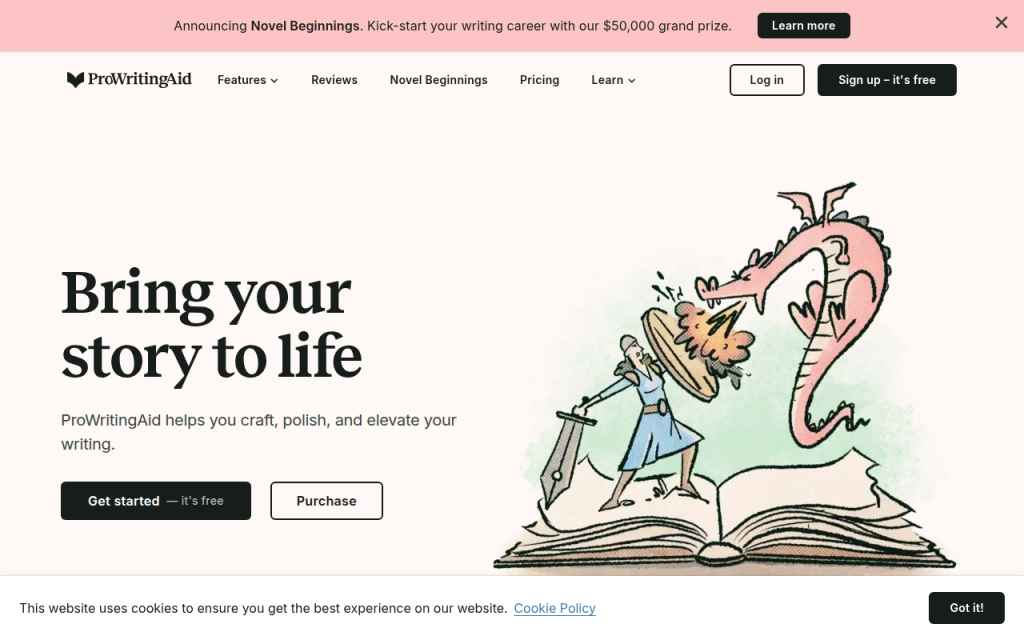
If you want the safest all-around starting point, begin with Grammarly for general writing convenience or LanguageTool if you need multilingual support or want a strong alternative. Choose Hemingway if readability is your primary goal, ProWritingAid if you write long-form content, and QuillBot or Ginger if you want quick sentence help and easy web-based editing.
The best next step is practical. Take one real piece of writing, such as an email, proposal, blog intro, or support reply, and test it in two tools from this list. Compare not just how many errors they find, but whether the suggestions actually improve the message. That small test will tell you more than any feature page.
For further improvement, keep a trusted style reference nearby, such as the AP Stylebook, Chicago Manual of Style, or your own internal brand guide. A free online grammar checker is excellent for catching mistakes. Your judgment is what turns clean writing into effective writing.
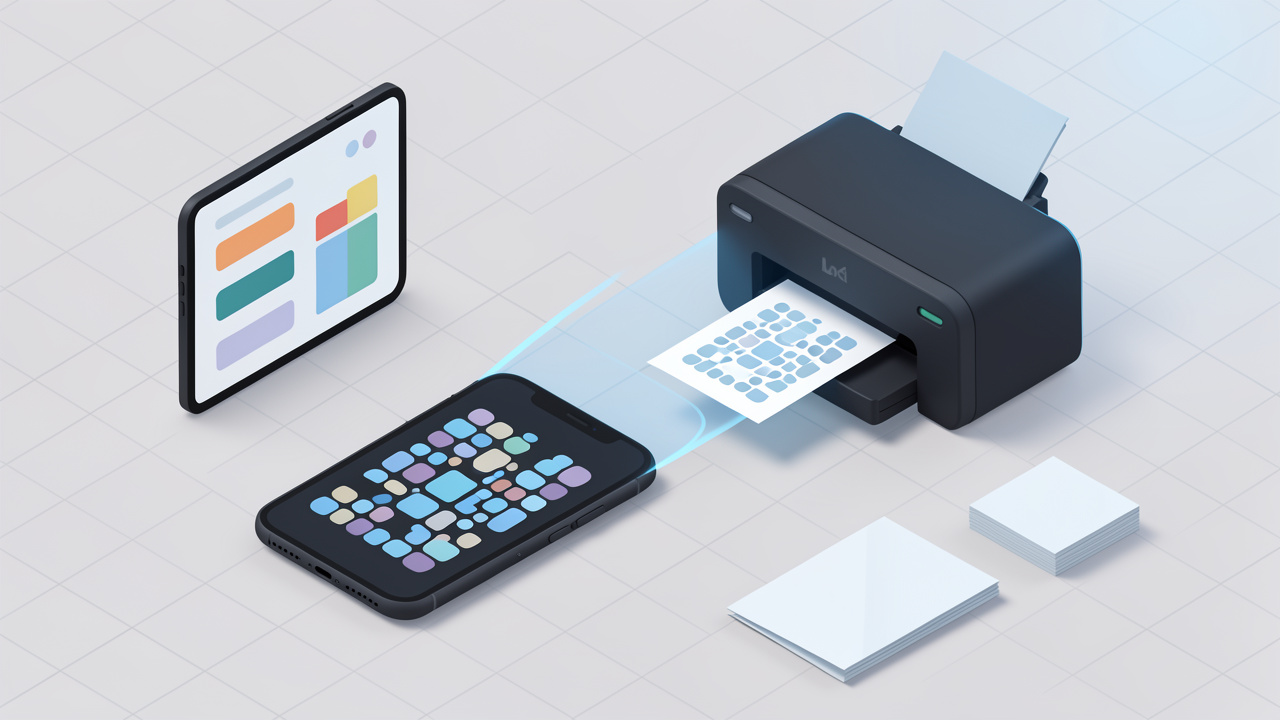
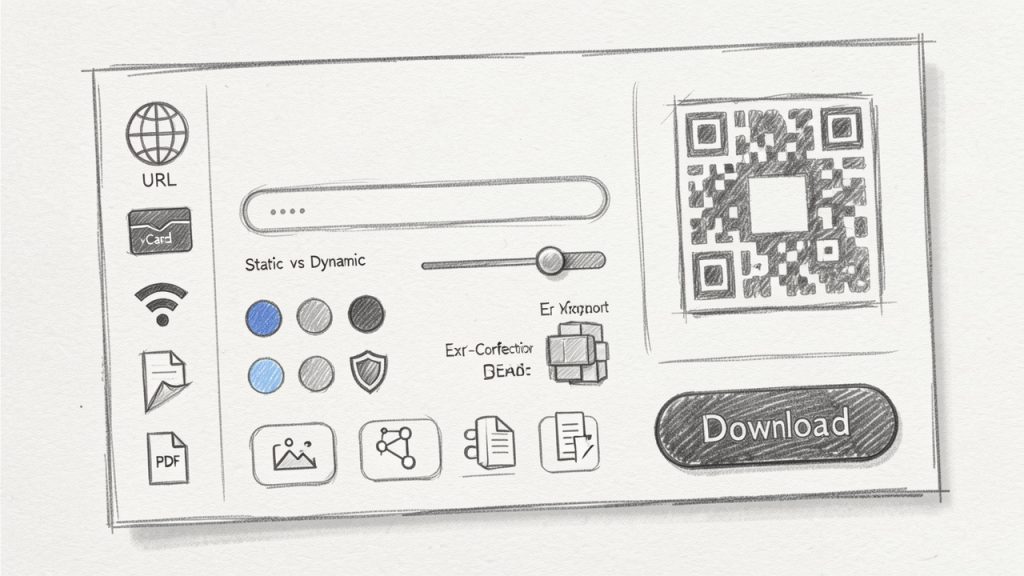
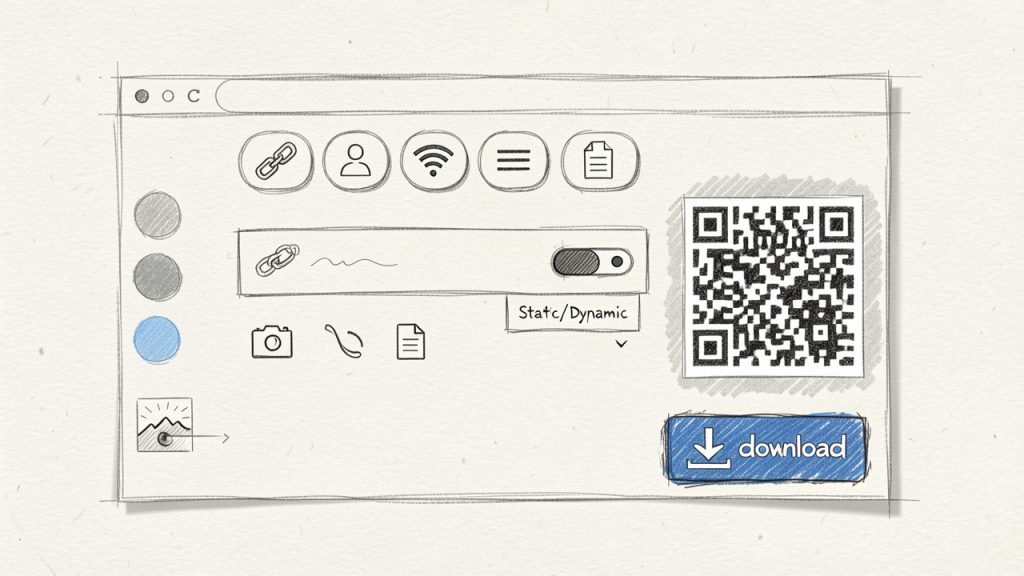
ตัวสร้างรหัส QR ออนไลน์ที่ดี ตัวสร้างรหัส QR ออนไลน์ สามารถเปลี่ยนลิงก์ เมนู นามบัตรข้อมูลติดต่อ หรือคำขอชำระเงินให้กลายเป็นสิ่งที่ผู้คนสแกนได้ในไม่กี่วินาที
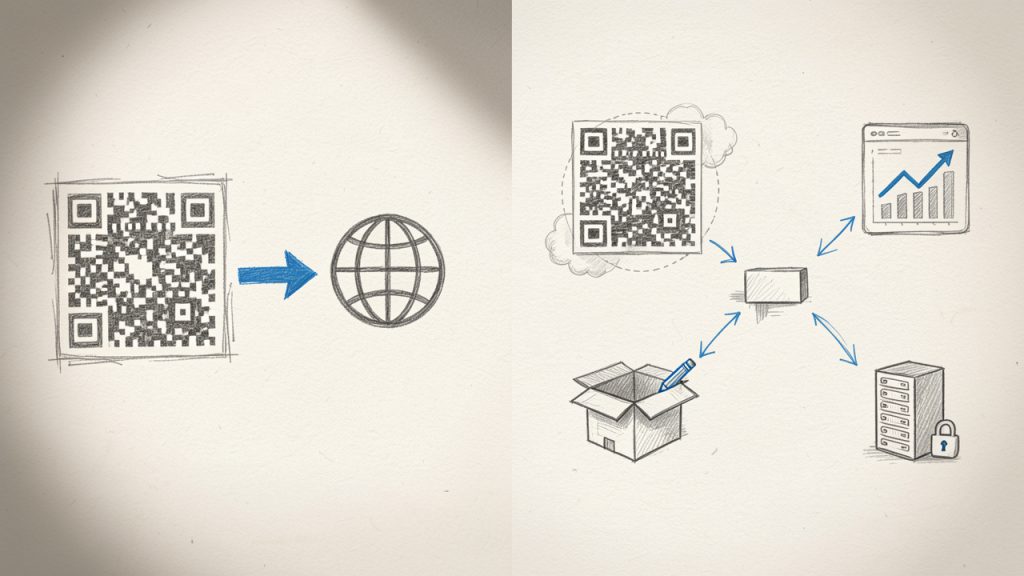
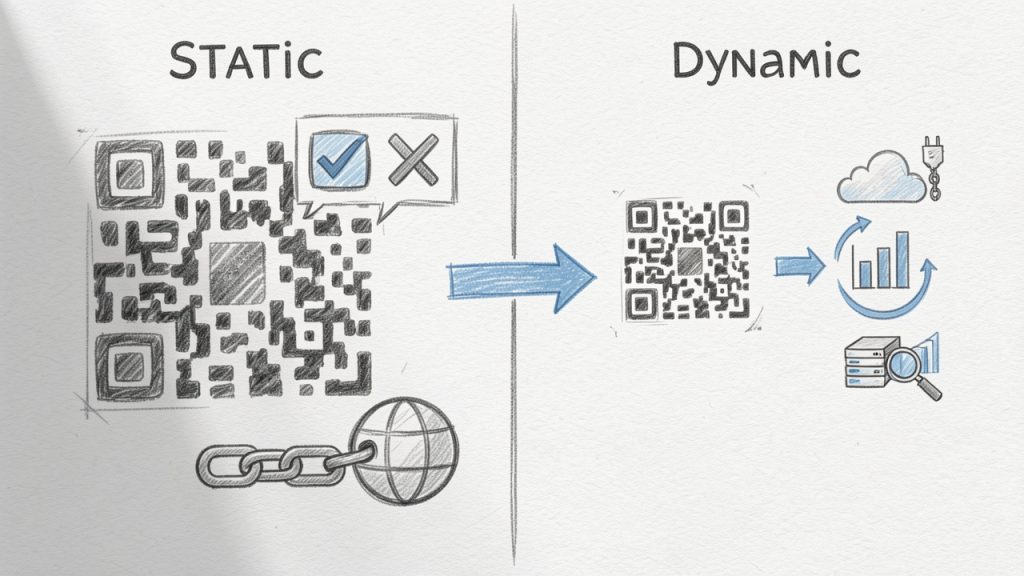
ข้อได้เปรียบหลักคือใช้งานง่ายและการสร้างรหัสสแตติกฟรีคุณภาพสูงที่มีการปรับแต่งภาพลักษณ์ได้ดี จุดด้อยคือการวิเคราะห์ที่จำกัดและการจัดการแบบไดนามิกที่จำกัด ซึ่งทำให้ไม่เหมาะสำหรับเวิร์กโฟลว์ระดับองค์กรที่ต้องการติดตามแคมเปญหรืออัตโนมัติ API
Canva ไม่ใช่แพลตฟอร์ม QR โดยเฉพาะ แต่มีคุณค่าสำหรับผู้ใช้งานที่ออกแบบใบปลิว เมนู โปสเตอร์ และกราฟิกสังคมออนไลน์อยู่แล้ว การสร้างรหัส QR ภายในเลย์เอาท์ช่วยประหยัดเวลาและรักษาความสอดคล้องด้านภาพ ซึ่งเป็นเหตุผลที่ธุรกิจขนาดเล็กหลายรายชอบใช้งาน
ความแข็งแกร่งของ Canva คือบริบทและการผสานแม่แบบมากกว่าการวิเคราะห์ลึกหรือการจัดการแคมเปญแบบไดนามิก หากคุณต้องการการติดตามระดับองค์กรหรือการเข้าถึง API แพลตฟอร์ม QR ที่ทุ่มเทจะเหมาะกว่ากัน
คุณมี PDF ที่ต้องการแก้ไข ลูกค้าเรียกร้องไฟล์ Word หรือสัญญาที่ถูกบันทึกไว้ในภาพที่สแกน การแปลง PDF ไปเป็นเอกสาร Word ที่แก้ไขได้คือหนึ่งในงานประจำวันด้านประสิทธิภาพที่ช่วยประหยัดเวลาการพิมพ์ซ้ำๆ อย่างไรก็ตาม มีวิธีที่น่าเชื่อถือและฟรีในการทำเช่นนี้ ซึ่งเหมาะกับเจ้าของธุรกิจขนาดเล็ก ผู้รับจ้างฟรีแลนซ์ นักพัฒนา และผู้ที่ให้ความสำคัญกับความรวดเร็วและความแม่นยำ
บทความนี้อธิบายว่าเครื่องมือแปลง PDF เป็น Word ฟรีจริงๆ ทำอะไร ความแลกเปลี่ยนที่ควรคาดหวัง วิธีการทำงานหลังฉาก และขั้นตอนที่ชัดเจนและใช้งานได้จริงเพื่อให้คุณทำงานเสร็จเร็วและปลอดภัย อ่านต่อเพื่อเลือกแนวทางที่เหมาะสมกับประเภทไฟล์ ความต้องการด้านความเป็นส่วนตัว และผลลัพธ์ที่ต้องการ
ตัวแปลง PDF เป็น Word คืออะไร?
ตัวแปลง PDF เป็น Word คือเครื่องมือที่แปลงไฟล์ Portable Document Format (PDF) ให้เป็นเอกสาร Word ของ Microsoft ที่แก้ไขได้ ซึ่งโดยปกติจะเป็น .doc หรือ .docx เป้าหมายคือการรักษาเค้าโครงเดิม ข้อความ รูปภาพ ตาราง และแบบอักษรให้ใกล้เคียงที่สุดเท่าที่จะทำได้ ในขณะที่ผลิตเนื้อหาที่คุณสามารถแก้ไข แสดงความคิดเห็น หรือใช้งานใหม่
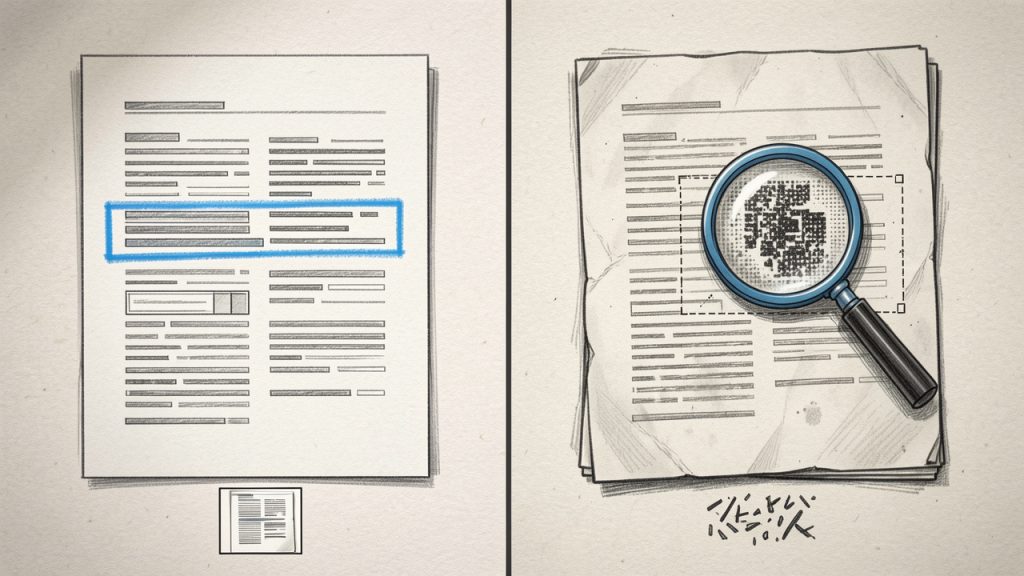
ไม่ใช่การแปลงทุกครั้งจะเหมือนกัน PDFs แบบข้อความง่ายที่สร้างจากการส่งออกจาก Word สามารถแปลงได้ด้วยความแม่นยำสูง เนื่องจาก PDF นั้นมีข้อความที่เลือกได้อยู่แล้ว PDF ที่สแกนมา ซึ่งเป็นภาพของแต่ละหน้า ต้องการการรู้จำอักขระออฟไอ (OCR) เพื่อดึงข้อความ OCR เพิ่มความซับซ้อนและมักต้องแลกกับความถูกต้อง การจัดรูปแบบ และความเร็ว
Think of conversion like translating a printed newsletter into a document template. You want the translation to keep headlines, columns, and images in place, but you also want the text to be editable without extra cleanup. A good free converter balances that, and this article helps you pick one depending on the file you have and the result you need.
ประเด็นสำคัญของตัวแปลง PDF เป็น Word
ความถูกต้องและความสอดคล้องของการจัดรูปแบบ
เมื่อคุณค้นหาตัวแปลง PDF เป็น Word ความถูกต้องจะเป็นข้อกังวลหลัก เครื่องมือแตกต่างกันในการรักษาฟอนต์ ระยะห่าง คอลัมน์ ส่วนหัวและส่วนท้าย และตำแหน่งภาพ การแปลงเรซูเม่หนึ่งหน้ามักจะราบรื่น แต่โบรชัวร์หลายคอลัมน์ ตารางที่ซับซ้อน หรือเอกสารที่ใช้ฟอนต์ที่กำหนดเองมักต้องการการปรับด้วยมือหลังการแปลง
ความถูกต้องโดยทั่วไปขึ้นอยู่กับวิธีที่ PDF ถูกสร้าง PDF ที่สร้างจากแหล่งดิจิทัล เช่น Word หรือ InDesign มีข้อความและข้อมูลการออกแบบที่ฝังอยู่ ซึ่งตัวแปลงสามารถแมปไปยังสไตล์ Word ได้ เอกสารที่สแกนต้อง OCR ซึ่งอาจทำให้เกิดการอ่านผิดพลาดสำหรับฟอนต์ที่ไม่ธรรมดา การสแกนที่ความละเอียดต่ำ หรือบันทึกที่เขียนด้วยลายมือ
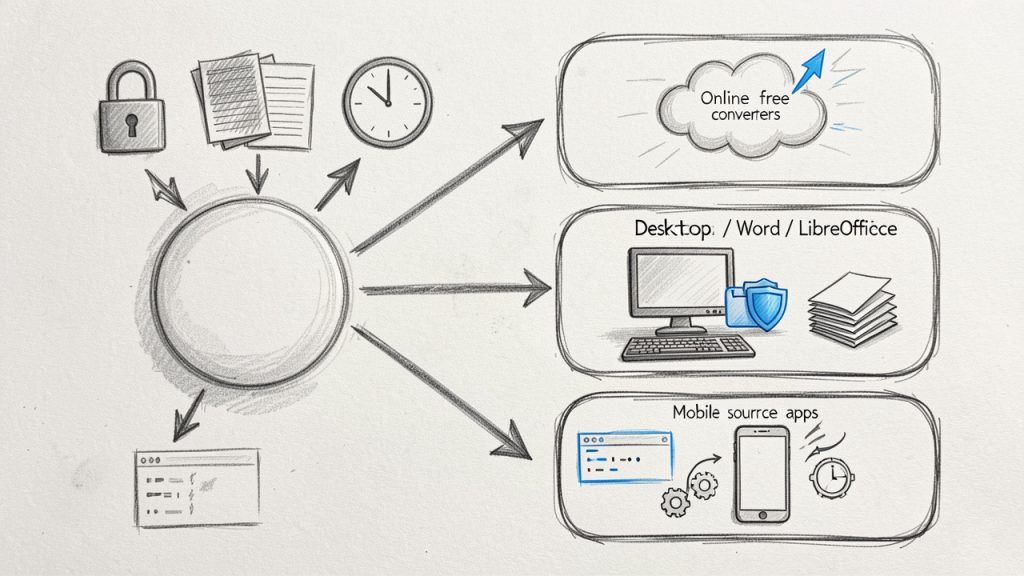
สำหรับการแปลงแบบรวดเร็วครั้งเดียว ตัวแปลงออนไลน์ฟรีมักเป็นตัวเลือกที่เร็วที่สุด สำหรับงานที่ทำซ้ำ เครื่องมือเดสก์ท็อปและโซลูชันที่รวมไว้ เช่น Google Docs หรือ Microsoft Word อาจช่วยประหยัดเวลา นักพัฒนาควรชอบเครื่องมือฟรีที่ใช้งานผ่านไลน์คำสั่งหรือ API ที่สามารถสคริปต์เข้าสู่กระบวนการ
ตารางมักทำให้เกิดปัญหามากที่สุดระหว่างการแปลง ตารางง่ายมักแปลงได้อย่างราบรื่น แต่ตารางที่ซ้อนกันหรือที่มีการรวมเซลล์อาจแตกออกเป็นส่วนภาพหรือบล็อกข้อความ หากการเก็บข้อมูลในตารางไว้เป็นสิ่งสำคัญ ให้พิจารณาดึงตารางเป็น CSV ด้วยเครื่องมือที่ออกแบบมาเพื่อการรู้จำตาราง จากนั้นใส่กลับหรือสร้างใหม่ใน Word
ภาพโดยทั่วไปจะถูกแปลงเป็นภาพฝังที่รักษาตำแหน่งไว้ สำหรับฟอร์มและฟิลด์ที่เติมได้ การแปลงเป็น Word จะไม่รักษาฟังก์ชันฟอร์มไว้ หากคุณต้องการฟอร์มที่แก้ไขได้ ให้พิจารณาสร้างใหม่ใน Word หรือใช้เครื่องมือสร้างฟอร์มหลังการแปลง
ข้อผิดพลาดทั่วไปที่พบกับตัวแปลง PDF เป็น Word ฟรีคือการแตกของเลย์เอาต์ ที่ย่อหน้ากลายเป็นกล่องข้อความหรือหัวข้อหายจากสไตล์ เพื่อแก้ไข ให้วางข้อความลงในเอกสารใหม่แล้วนำสไตล์มาใช้ใหม่ หรือใช้ Find and Replace ของ Word เพื่อลบบรรทัดว่างเกิน
ข้อผิดพลาดอีกประการหนึ่งคืออักขระที่รู้จำผิดหลัง OCR เช่น สับสนระหว่าง 0 กับ O หรือ l กับ 1 การพิจารณาอย่างรวดเร็วสำหรับรูปแบบทั่วไปและเครื่องมือตรวจสอบการสะกดที่เหมาะกับภาษา จะช่วยลดข้อผิดพลาดลงได้อย่างมาก
สุดท้าย ภาพหรือกราฟิกอาจลดความละเอียดระหว่างการแแปลง หากคุณภาพของภาพสำคัญ ให้ดึงภาพต้นฉบับออกจาก PDF ก่อนการแปลงแล้วแทรกเวอร์ชันความละเอียดสูงลงในเอกสาร Word
ตัวแปลง PDF เป็น Word เป็นเครื่องมือที่ขาดไม่ได้สำหรับประสิทธิภาพในการทำงานยุคใหม่เมื่อใช้งานด้วยความตระหนักถึงข้อจำกัด เพื่อการแก้ไขอย่างรวดเร็ว และไฟล์ที่เป็นหนึ่งครั้ง ตัวแปลงออนไลน์ฟรีมีประสิทธิภาพ ในขณะที่โซลูชันเดสก์ท็อปและโอเพ่นซอร์สเหมาะกับความเป็นส่วนตัวและงานจำนวนมาก เข้าใจว่า PDF ของคุณมีข้อความที่เลือกได้หรือภาพที่สแกน แนะนำเครื่องมือที่เหมาะสมกับความเที่ยงตรงและความเป็นส่วนตัว และตรวจทาน Word ที่แปลงแล้วเสมอ
ขั้นตอนถัดไป: ลองการแปลงทดสอบสั้นๆ ด้วย PDF ที่ไม่เป็นความลับเพื่อเปรียบเทียบผลลัพธ์ หากคุณต้องการความช่วยเหลือในการเลือกเครื่องมือขึ้นอยู่กับประเภทเอกสารหรืองานเวิร์กโฟลว์ที่เฉพาะเจาะจง กรุณาแชร์รายละเอียดสั้นๆ แล้วฉันจะเสนอแนวทางที่ปรับให้เหมาะกับคุณ
Escape เมื่อเพิ่มข้อความจากผู้ใช้หรือเนื้อหาแบบไดนามิกลงใน XML Unescape เมื่อต้องการประมวลผลหรือแสดงข้อมูล XML ให้อ่านง่ายขึ้น แก้ไขข้อผิดพลาดที่เกิดจากอักขระพิเศษที่ไม่ได้ Escape ในไฟล์ XML เตรียมเนื้อหา XML สำหรับการจัดเก็บหรือส่งผ่านระบบที่มีข้อกำหนดอักขระเข้มงวด